


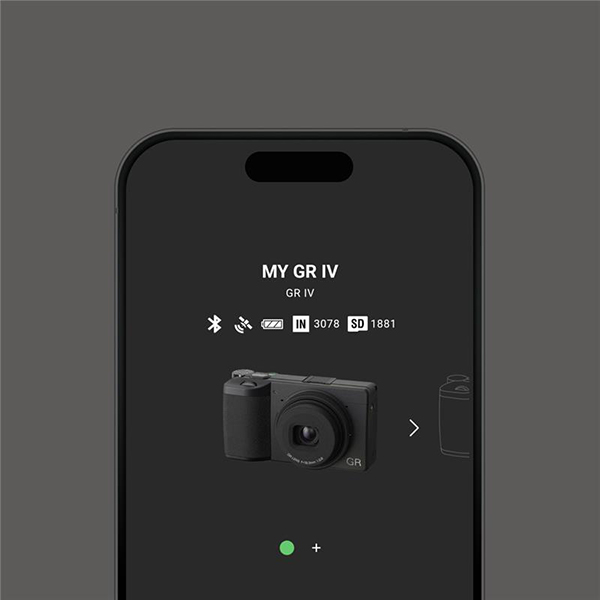
 GR WORLD
GR WORLD
Smart device app dedicated to RICOH GR series cameras
“GR WORLD” is an app dedicated to RICOH GR series cameras. It allows you to perform shooting remotely, play back images, copy images to smart device, and upload images to social media from your smart device.
Maintenance
- 2026.10.08
-
Notice: Suspension of functions due to GR WORLD system maintenance
Please note that system maintenance is scheduled for the following date.
We apologize for the inconvenience and appreciate your cooperation and understanding.- Date
- Wednesday, October 14, 2026
- Japan Standard Time
- 9:00 - 17:00 (scheduled)
- Details
- System maintenance
- Functions that will not be available during maintenance
-
GR series users
- In-app notification retrieval and updates
- GR gallery
GR IV users
- Camera firmware updates*
All other functions will be available as usual.
Note that this schedule may be adjusted depending on maintenance progress. Thank you for your understanding.
*Although camera firmware updates via the app will not be available, you may still use a microSD memory card to update the firmware.
News
- 2026.10.05
-
GR WORLD iOS Version 1.4.1 is released.
This update fixes the following issues that could occur when using iOS 27 with GR WORLD Version 1.4.0.
-Unable to import images from the camera to a smartphone
-Unable to transmit smartphone's location information to the camera
iOS download - 2026.09.18
-
[Notice to GR WORLD users on iOS]
We have identified an issue affecting the combination of iOS 27 devices and GR WORLD Version 1.4.0, where certain GR WORLD features may not function properly.
・Unable to import images from the camera to a smartphone
・Unable to transmit the smartphone's location information to the camera
This issue can be resolved by enabling “Allow Notifications” in your smartphone settings.
You can change the notification setting by navigating to: Settings → Apps → GR WORLD → Notifications.
We are currently preparing an updated version that will work regardless of the Notifications setting.
We sincerely apologize for any inconvenience this issue may cause and appreciate your patience until the corrected version is released.
- 2026.06.19
-
GR WORLD V1.4.0 is released.
-The camera power on/off control has been enabled from the Home screen.
-Bug fixed.
iOS download
Android download - 2026.03.24
-
GR WORLD V1.3.1 is released
-Improved communication stability with the camera
-Bug fixed
iOS download
Android download - 2026.02.09
-
GR WORLD V1.3.0 is released
-"RICOH GR IV Monochrome" is now supported.
-Added works by photographer to the GR Gallery
-Bug fixed
iOS download
Android download - 2026.01.22
-
GR WORLD Android version V1.2.1 is released
We have fixed an issue where Japanese characters were displayed mixed in on some devices set to Simplified Chinese.
Android download - 2026.01.15
-
【To Android version GR WORLD users】
On the GR WORLD 1.2.0 (Android version), some devices set to Simplified Chinese are experiencing issues that Japanese texts appear in the display.
We are currently preparing a fix.
We apologize for any inconvenience this may cause. - 2026.01.13
-
GR WORLD V1.2.0 is released
-"RICOH GR IV HDF" is now supported.
-You can check notifications in App Settings.
-GR Gallery added to Home screen.
-You can update the camera firmware from the app.(GR IV only)
-You can save image controls from images on your camera and from the GR Gallery to the app.(GR IV only)
-You can apply image controls saved in the app to the camera.(GR IV only)
iOS download
Android download - 2025.11.28
-
GR WORLD V1.1.1 is released
- Improved the visibility of pairing prompts during camera registration.
iOS download
Android download - 2025.09.09
-
GR WORLD V1.1.0 is released
- "RICOH GR IV" is now supported.
iOS download
Android download - 2025.07.23
-
GR WORLD V1.0.0 is released
iOS download
Android download - 2025.07.15
-
“GR WORLD” announcement and overview page released.
“GR WORLD” will be available for download from July 23.
More
Main FunctionsConnection Method
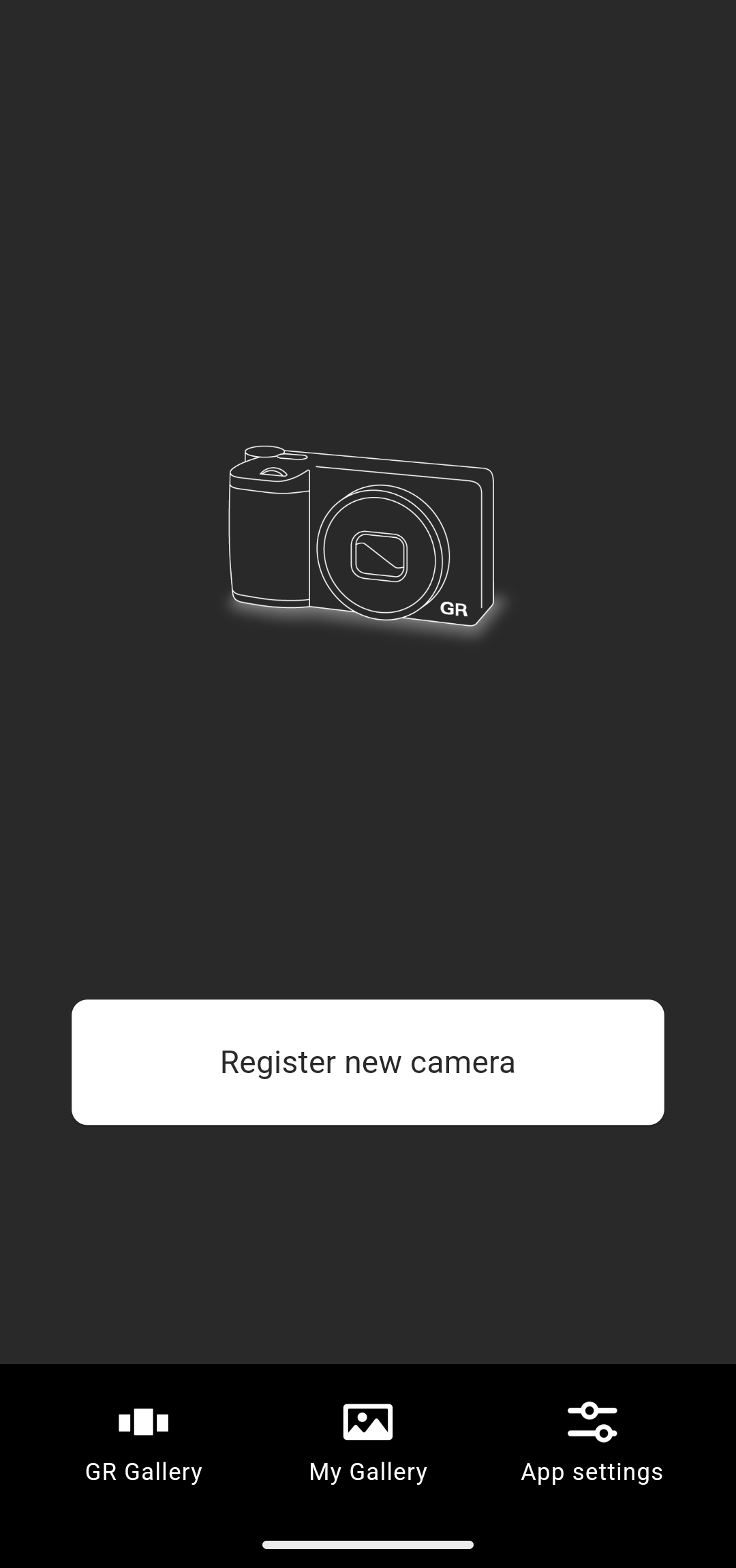
1. Camera registration function
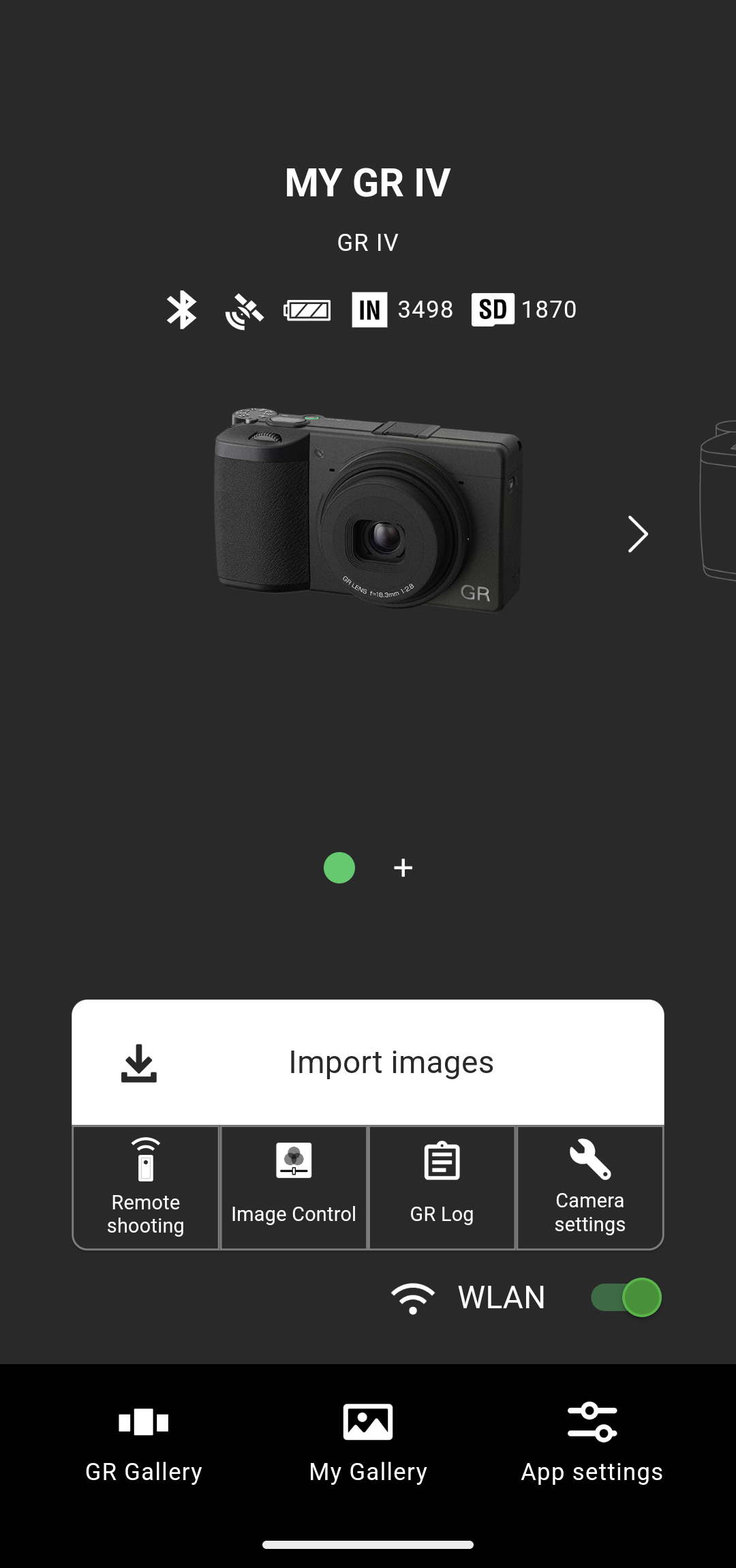
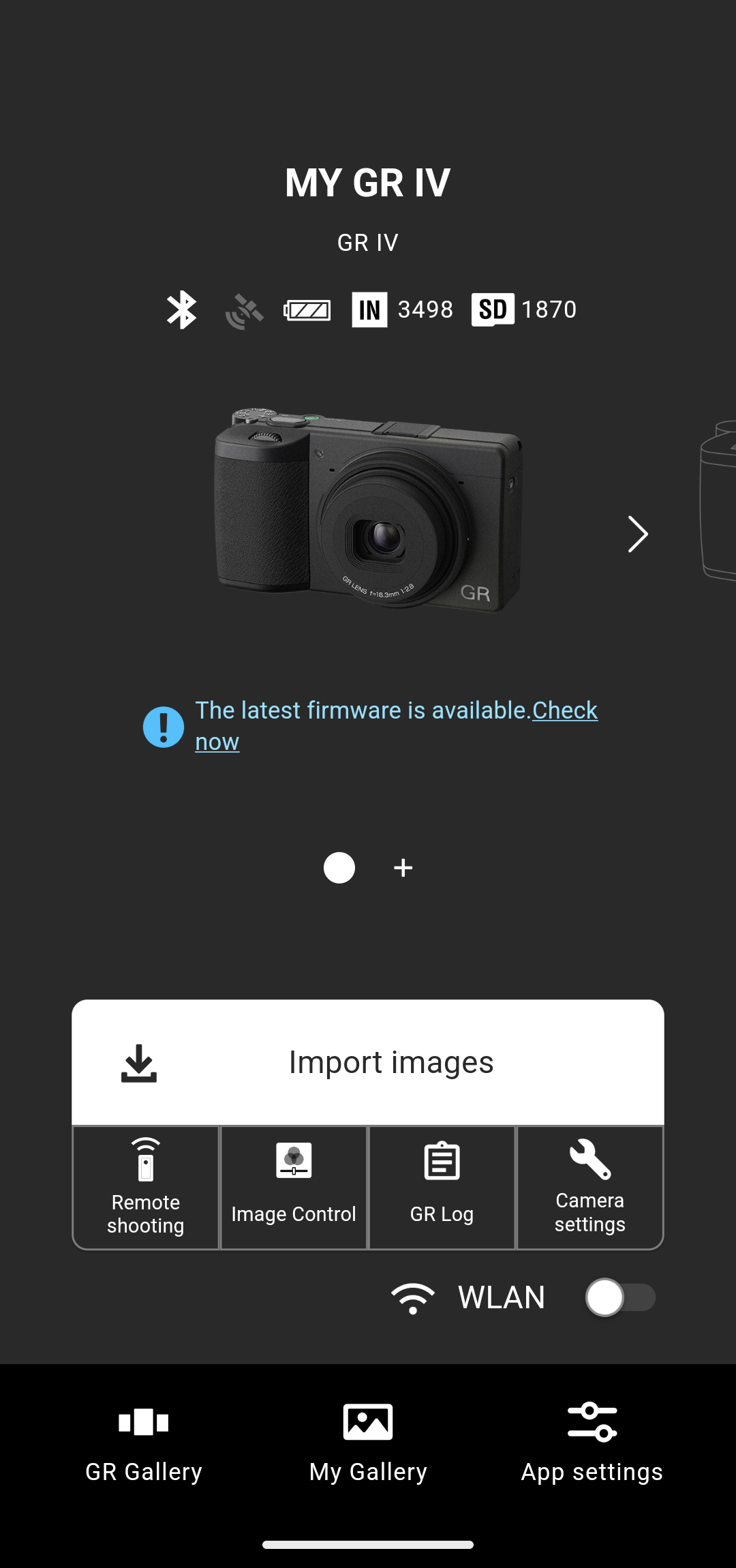
You can register your camera in the app. Once you register the camera, it will appear on the home screen, making it easier to connect to your camera next time.
* For how to register your camera, see here.
On the home screen, you can check the following information about the camera.
- • Bluetooth® connection status*
- • Location information recording*
- • Battery level
- • Recording media and remaining number of shots
* Not compatible with GR II.
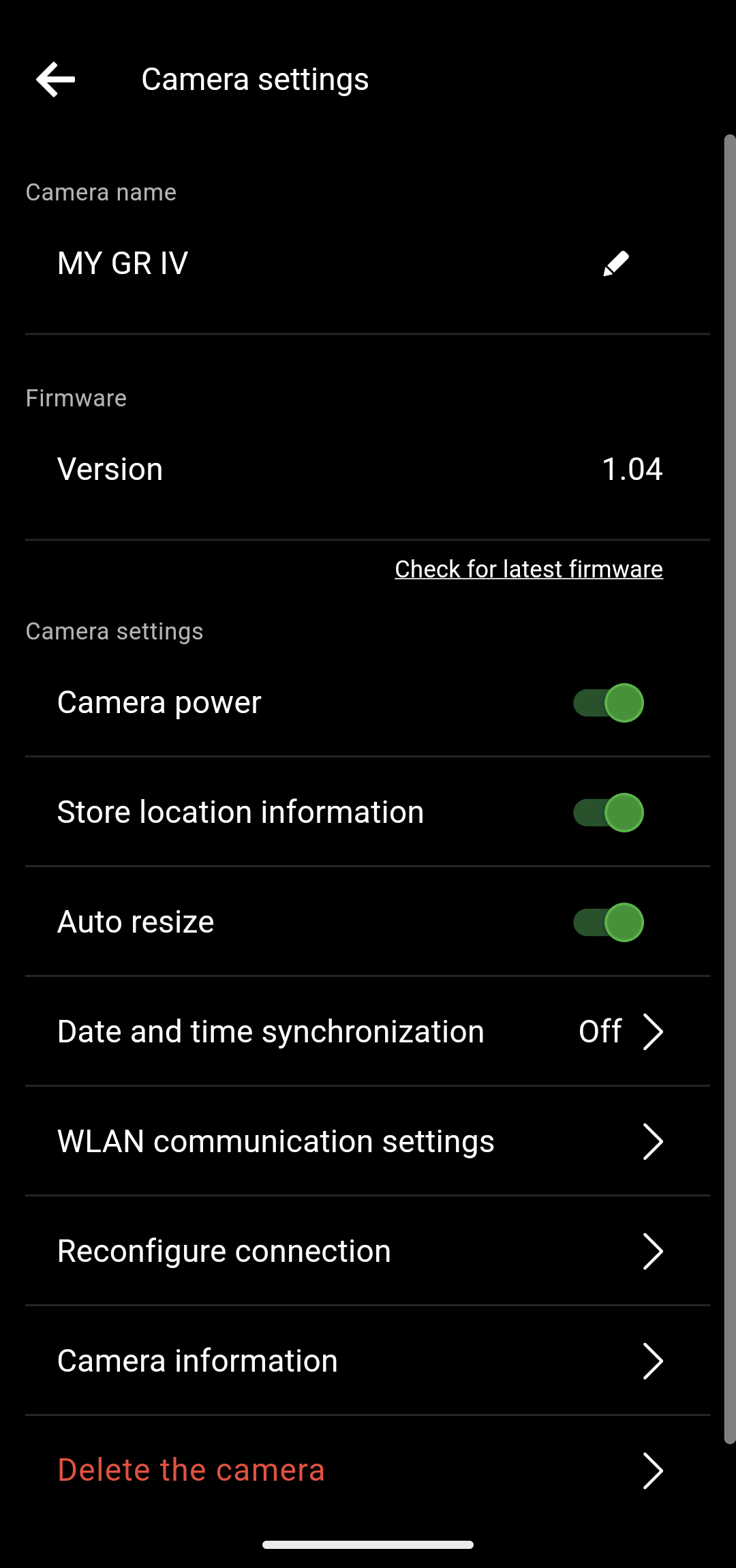
You can name registered cameras in the camera settings.
* The camera name can be up to 32 single-byte characters long and can include alphanumeric characters and symbols.
* With the GR IV, the camera name set in the app will also be reflected on the camera. You can check the camera name in the detailed information display for the captured image in the playback mode on the camera.
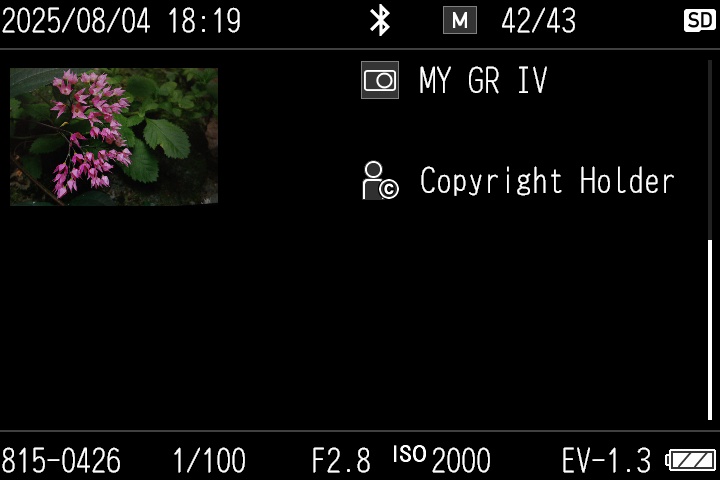
(detailed information display)
2. Image import function
Using the wireless LAN function of the camera, you can view images saved in the camera internal memory or memory card on the app screen and import them to your smartphone.
For images that have already been imported to the smartphone, a smartphone icon will appear above the check box.
* Images for which a transfer reservation has been set on the camera can also be imported with the app.(Not compatible with GR II videos.)
* With the GR IV, you can switch between the internal memory and the memory card as the image save destination.
You can also filter images in the camera to display by the following information.
- • File format(JPEG,RAW,Movie)
- • Transfer status(Not transferred,Transferred)
- • Shooting date
For example, if you execute filtering by the transfer status “Not transferred”, you can display only images that have not yet been transferred to the smartphone.
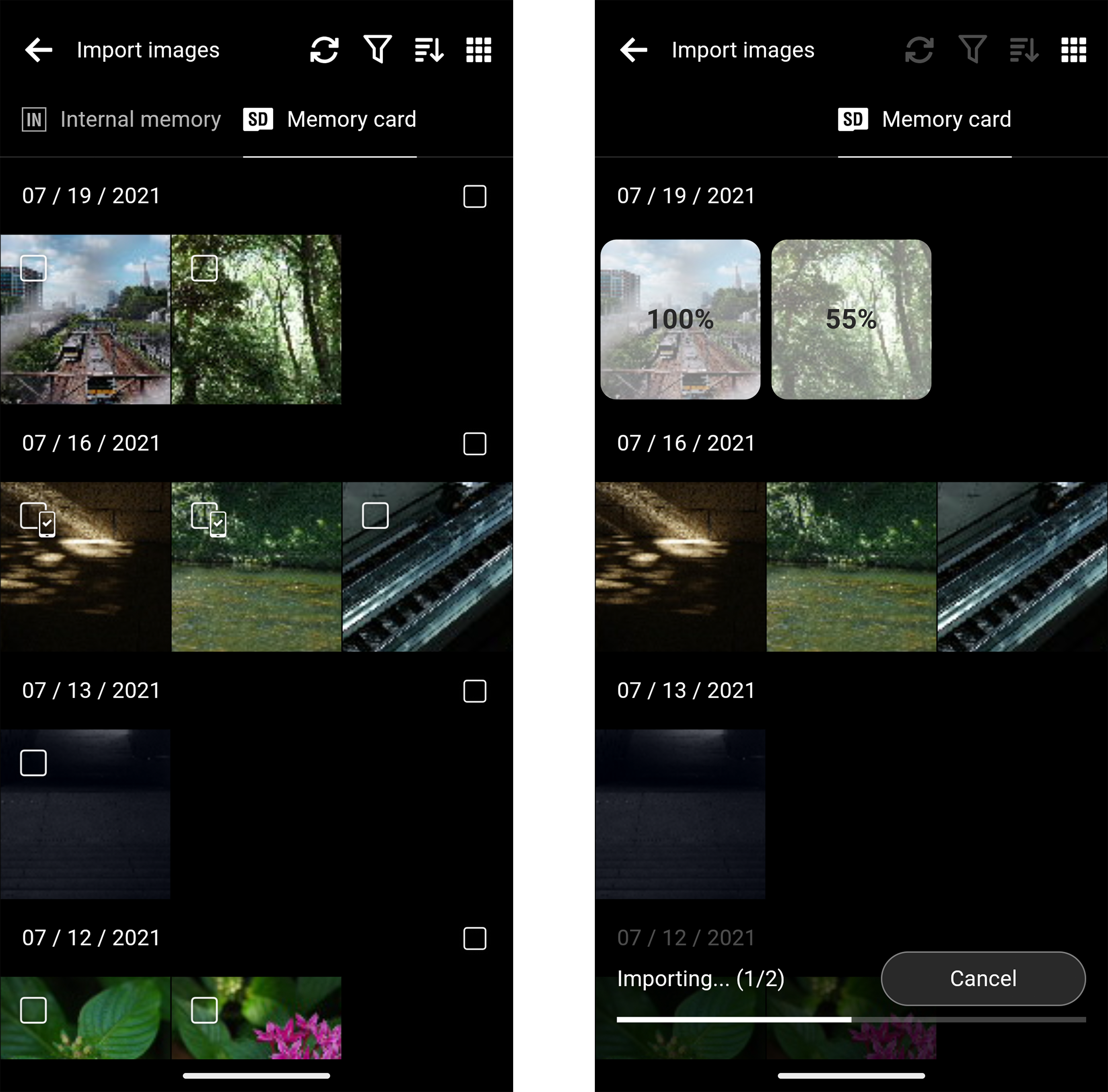
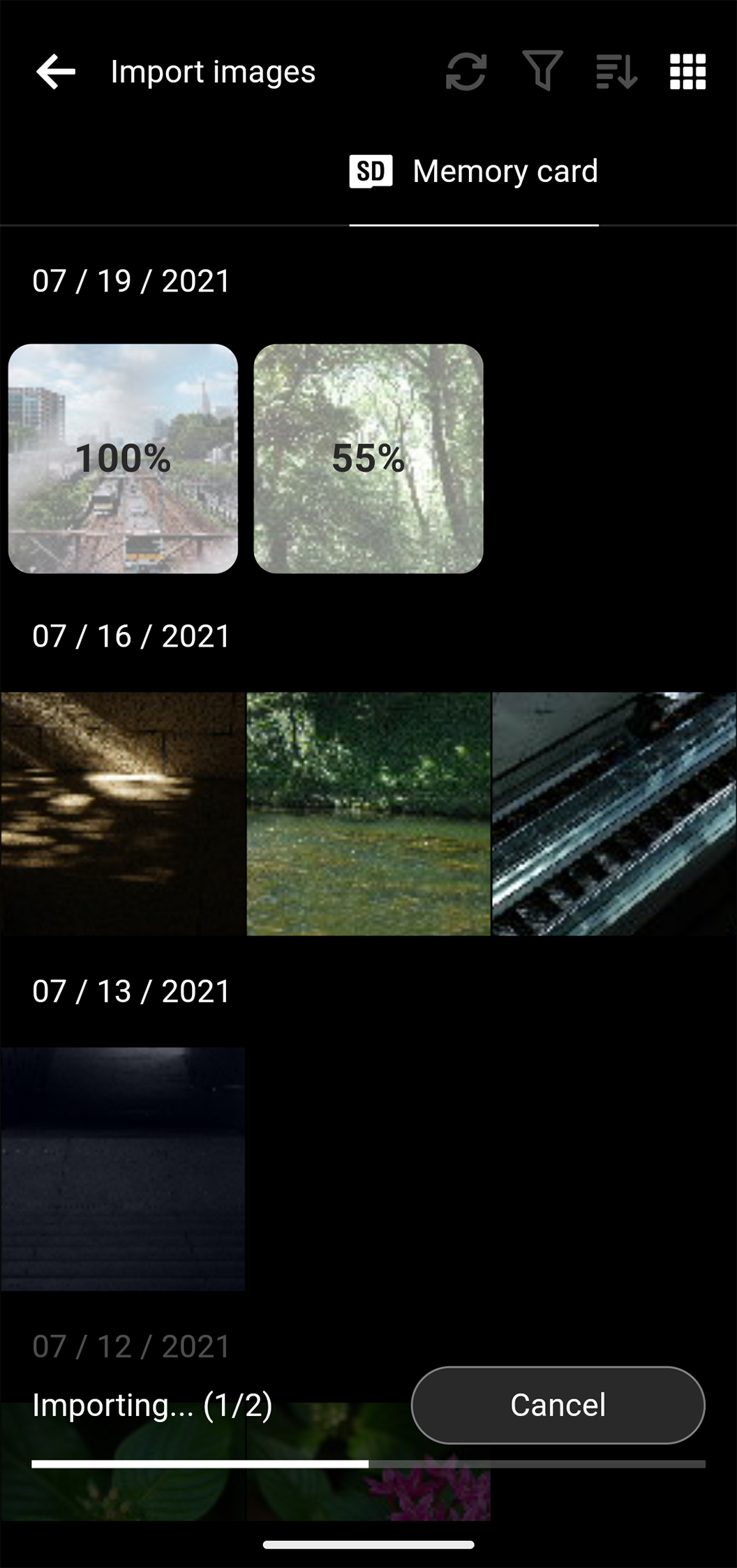

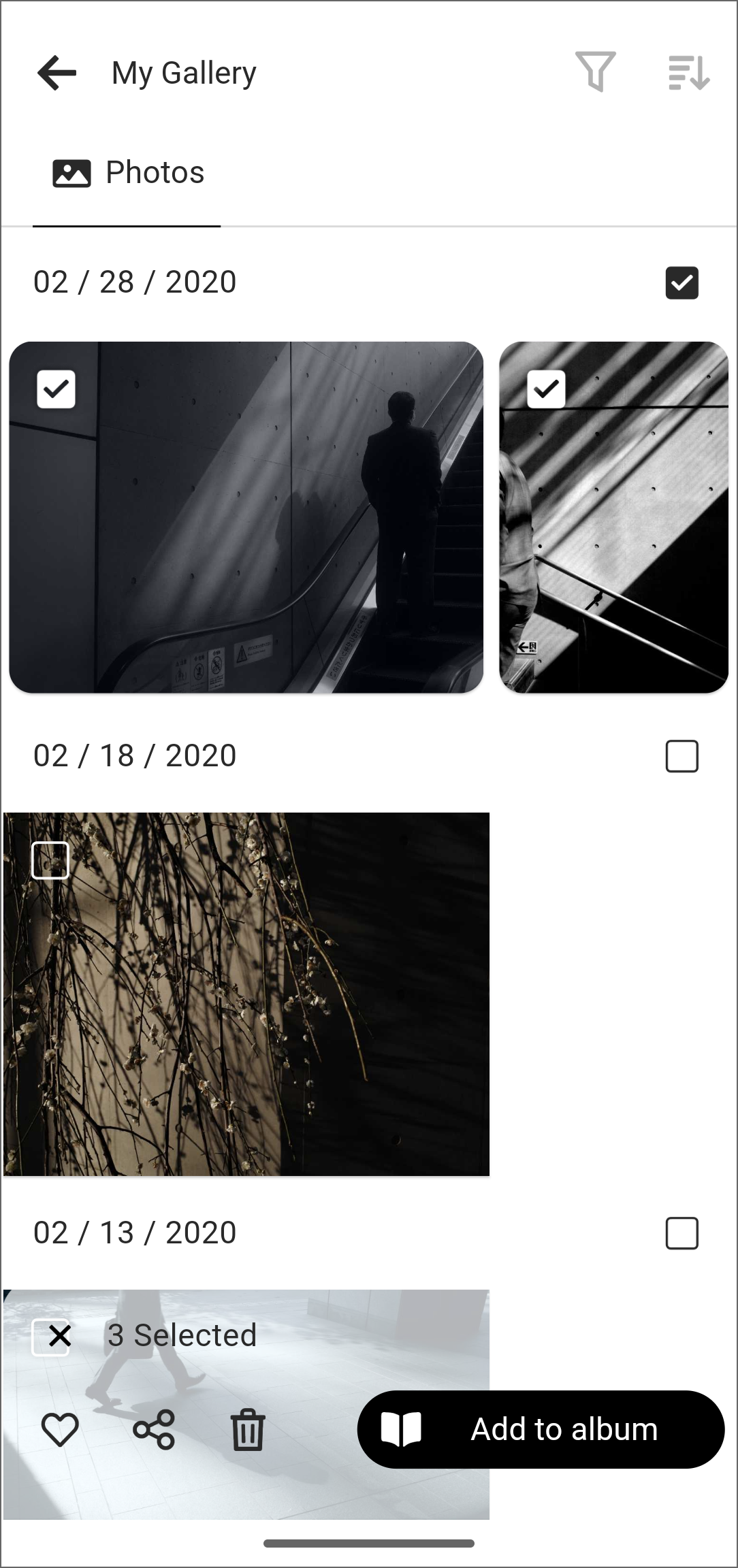
You can view the images transferred to your smartphone on the gallery screen.
On the gallery screen, you can add images to your favorites, share them with other apps, or add them to albums.
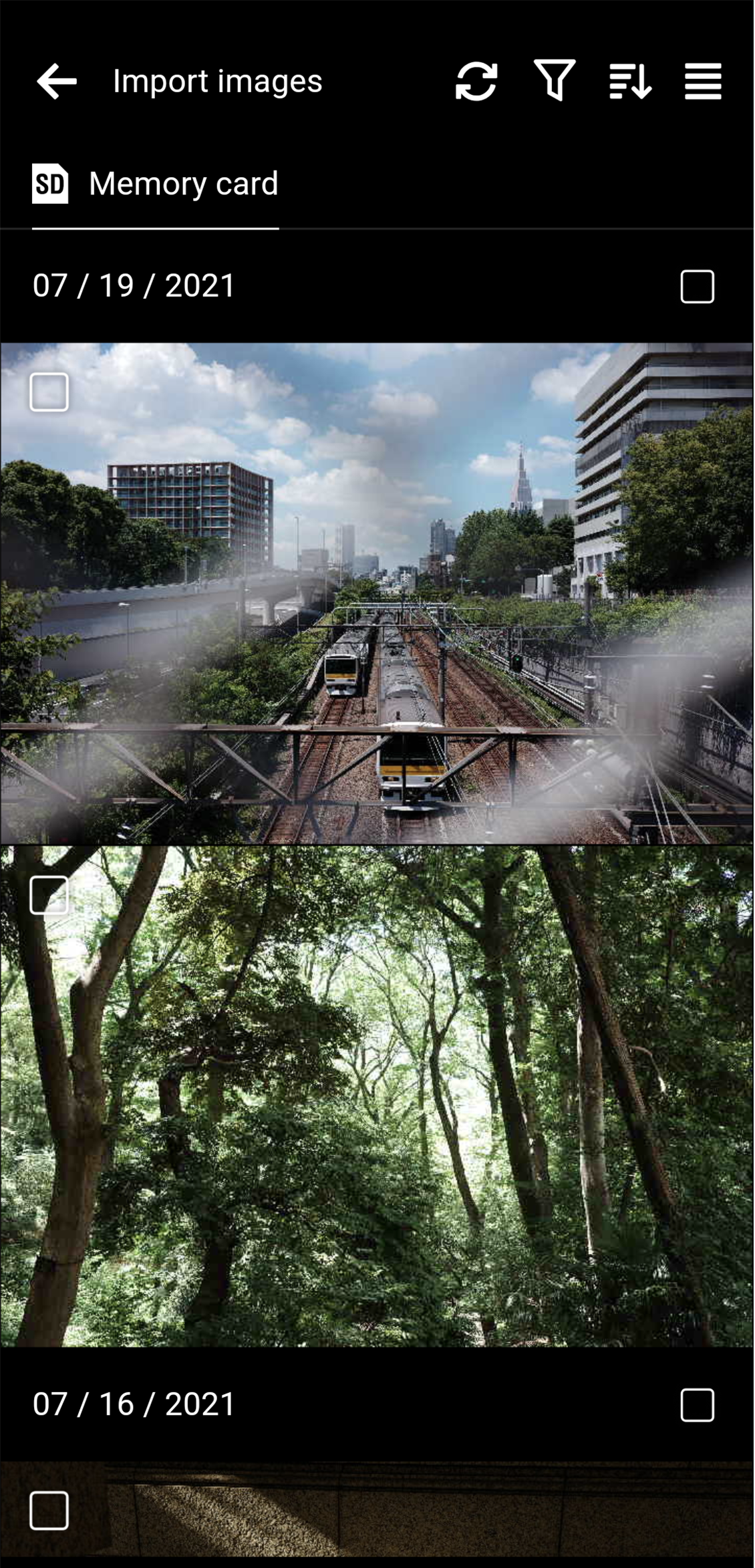
3. Remote shooting function*
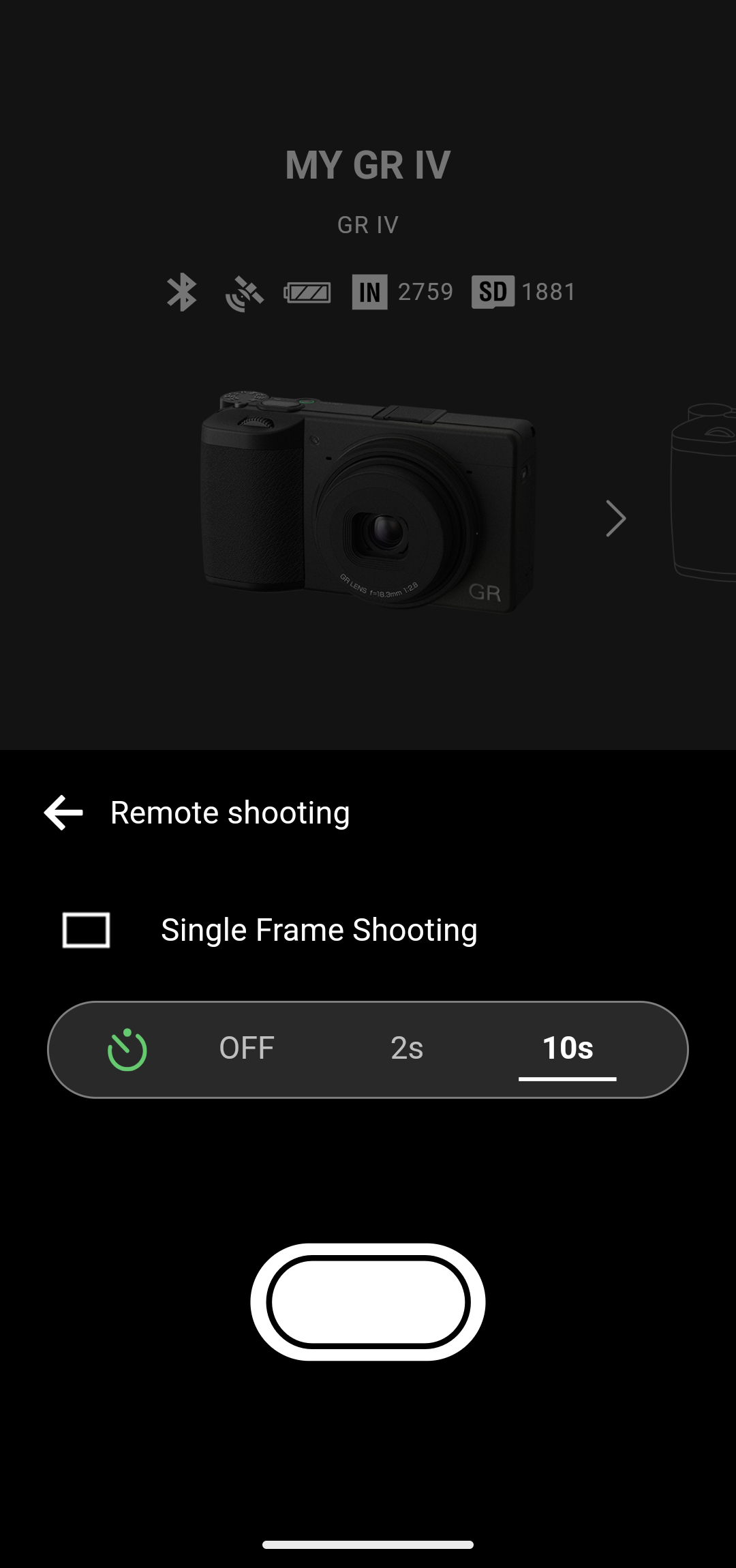
When the app is connected to the camera via Bluetooth, you can release the camera shutter and set the self-timer from the app.
* Only single frame shooting is available for remote shooting. Remote shooting is not possible when the drive mode is set to anything other than single frame shooting.
* Not compatible with GR II.
4. Function to transmit location information to the camera*
If you turn on “Store location information” in the camera settings, location information from your smartphone will be transmitted to the camera and recorded in shot images while the app is connected to the camera via Bluetooth.
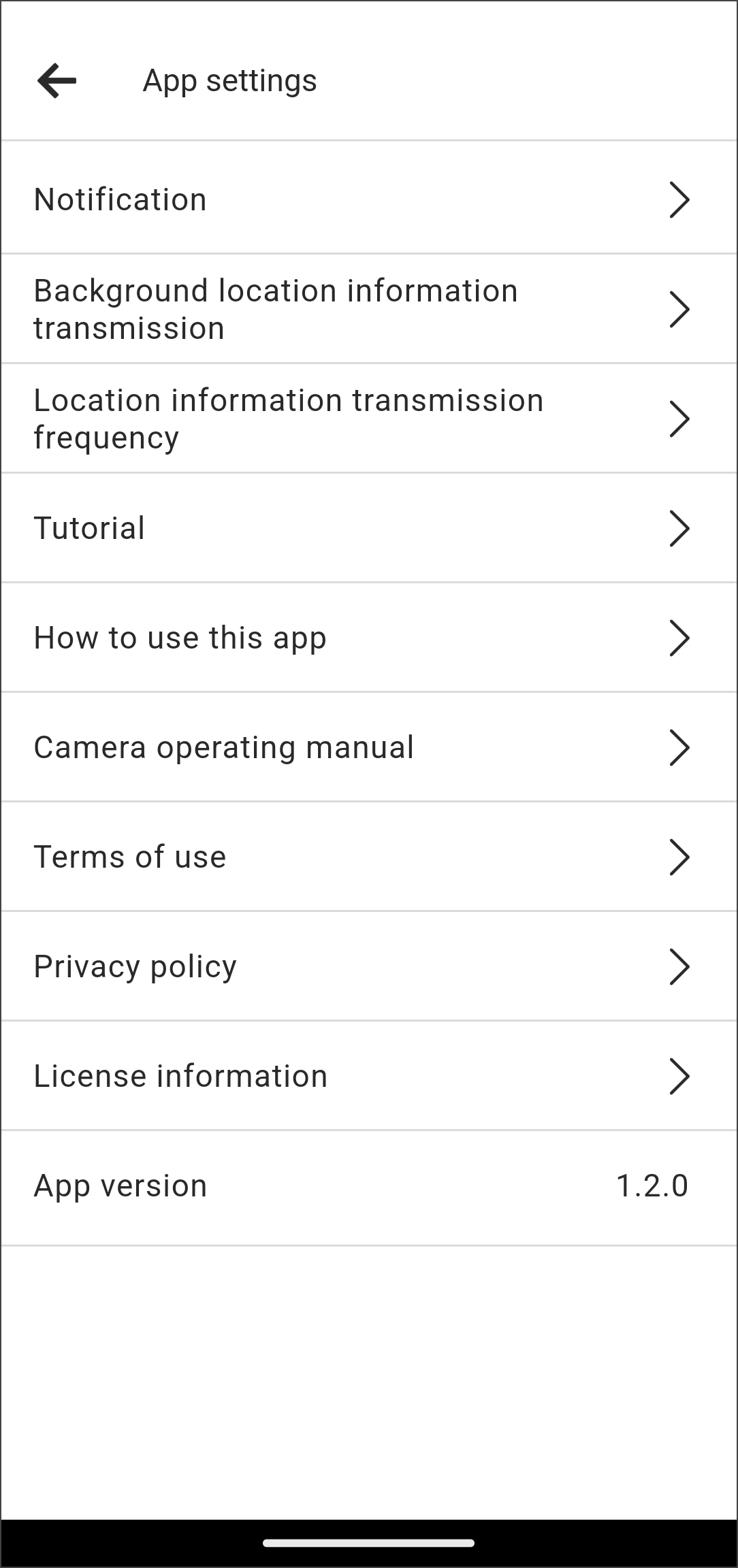
Note that if you enable “Background location information transmission” in the app settings, the smartphone will transmit location information to the camera even when it is asleep or other apps are in use.
* Not compatible with GR II.
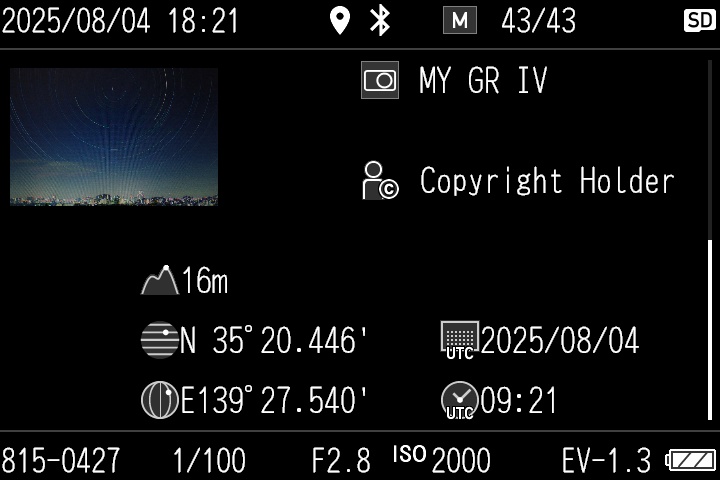
(detailed information display)
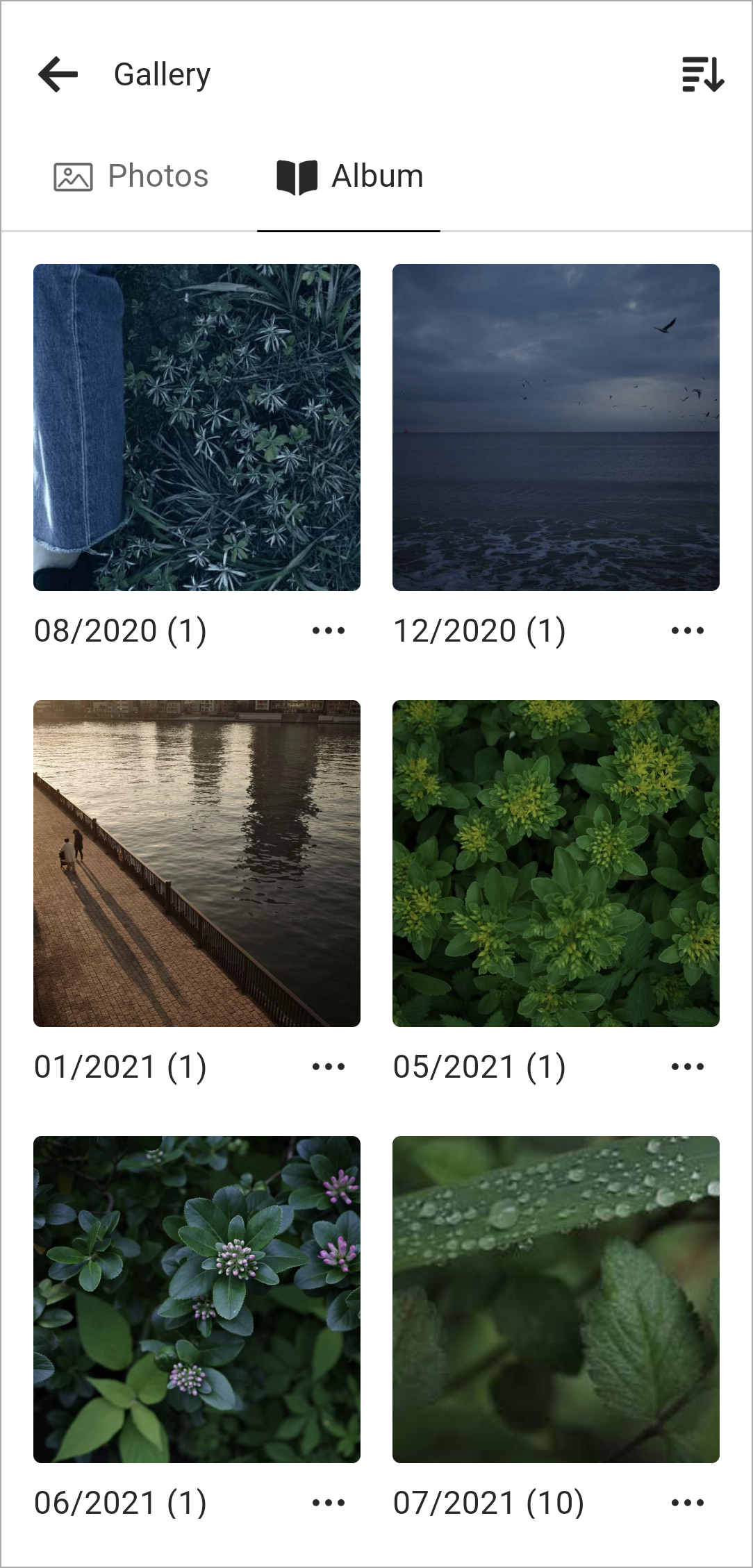
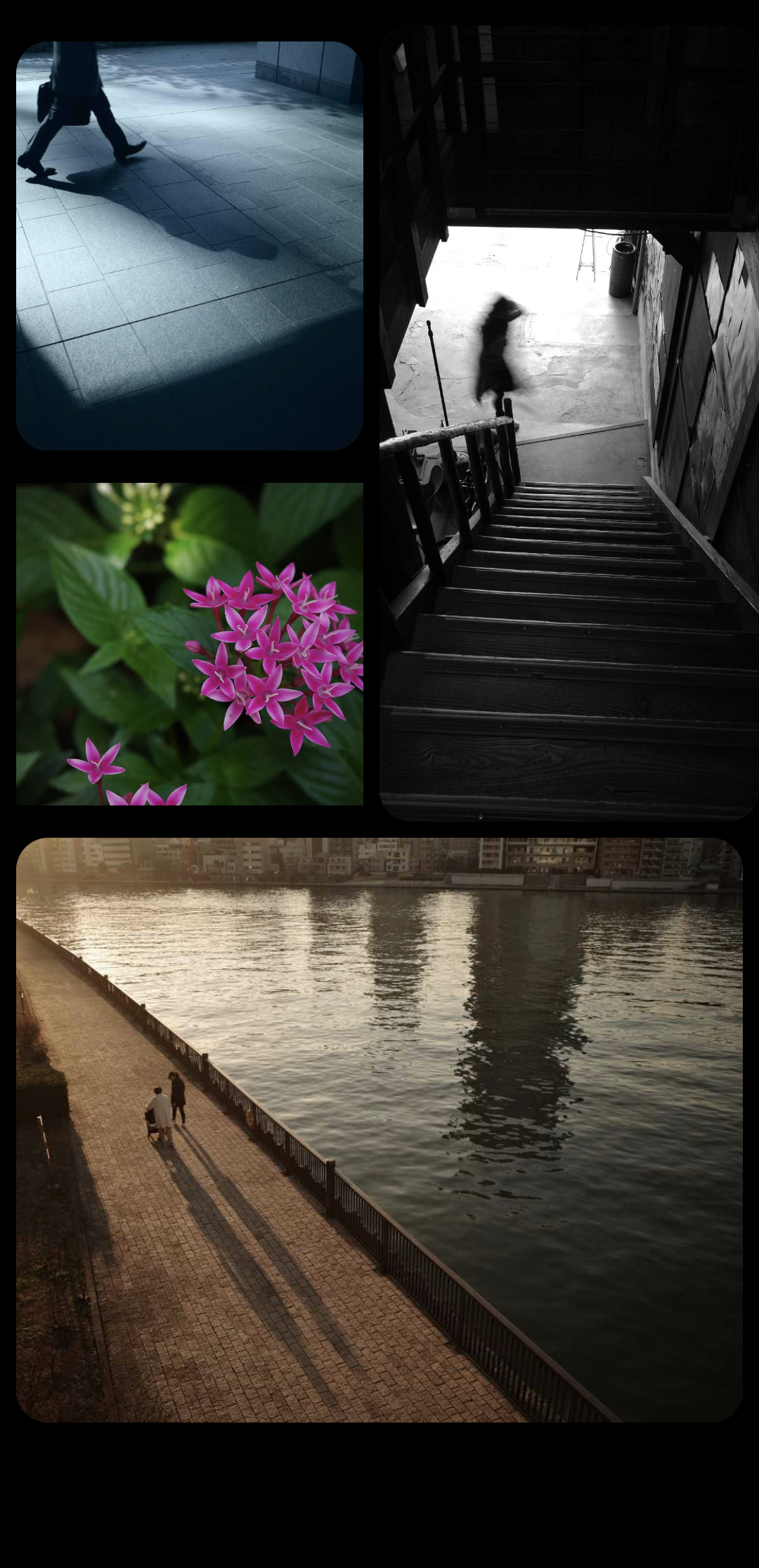
5. Album and widget functions
The images imported from the camera to your smartphone can be organized into albums, or displayed as a widget on the smartphone home screen, allowing you to enjoy viewing them just like a digital photo frame.
6. “GR Log” function
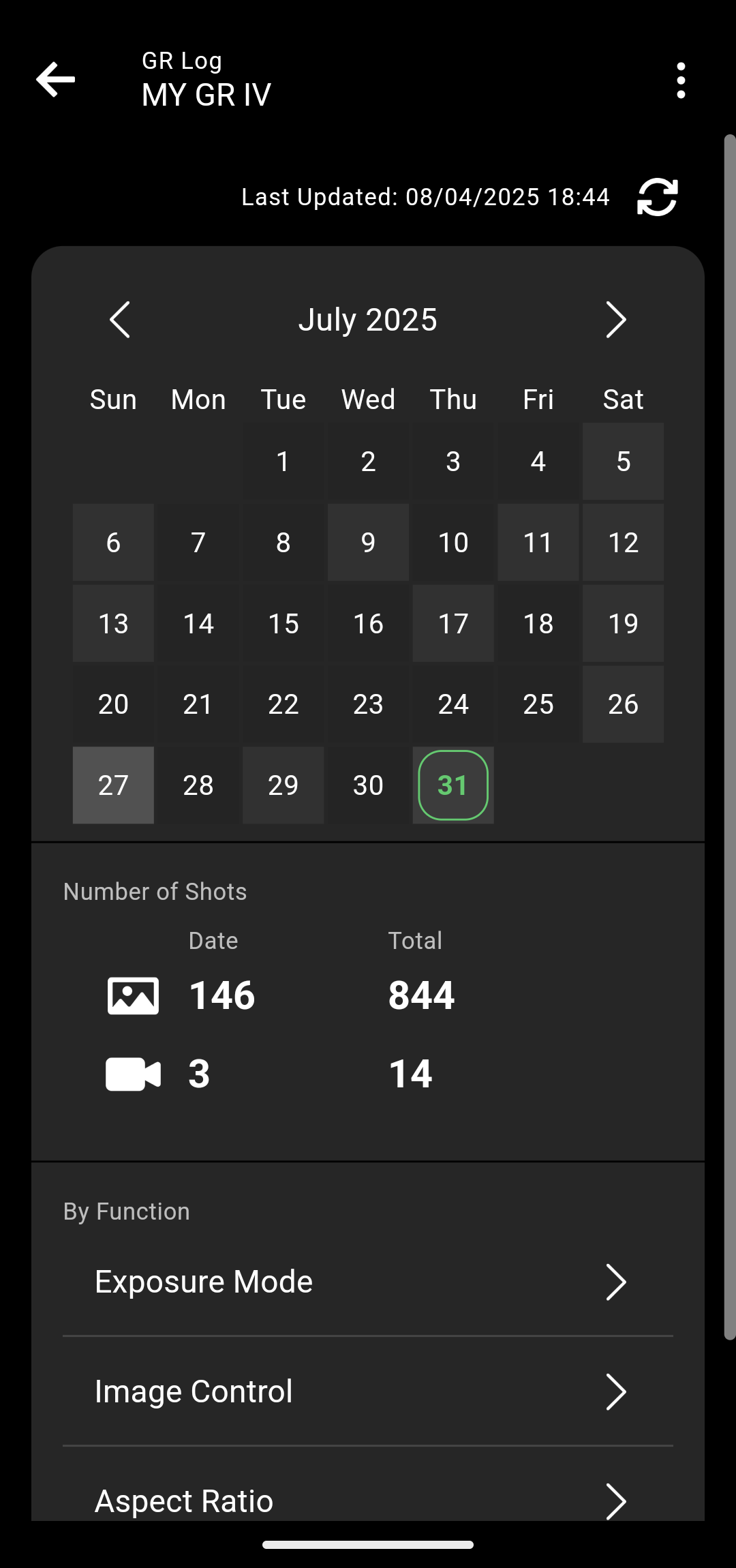
“GR Log” allows you to check the following information recorded in the GR IV.
- • Total number of still images shot so far
- • Total number of movies recorded so far
- • Number of still images shot on a specified date
- • Number of movies recorded on a specified date
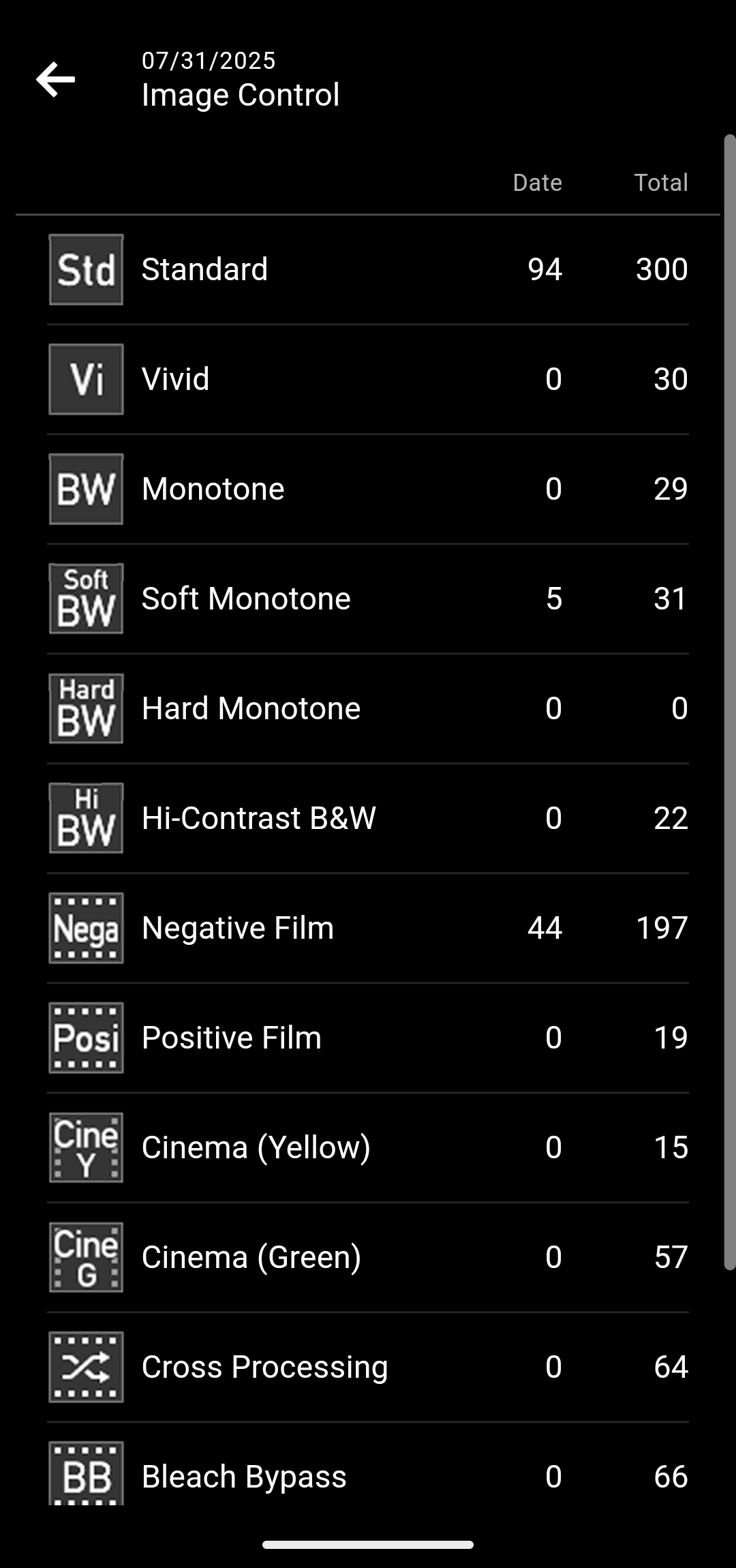
Furthermore, for still images, you can check the number of shots for each of the following functions.
- • Exposure mode
- • Image Control
- • Aspect Ratio
- • Crop
* The GR III, GR IIIx, and GR II do not support this function.
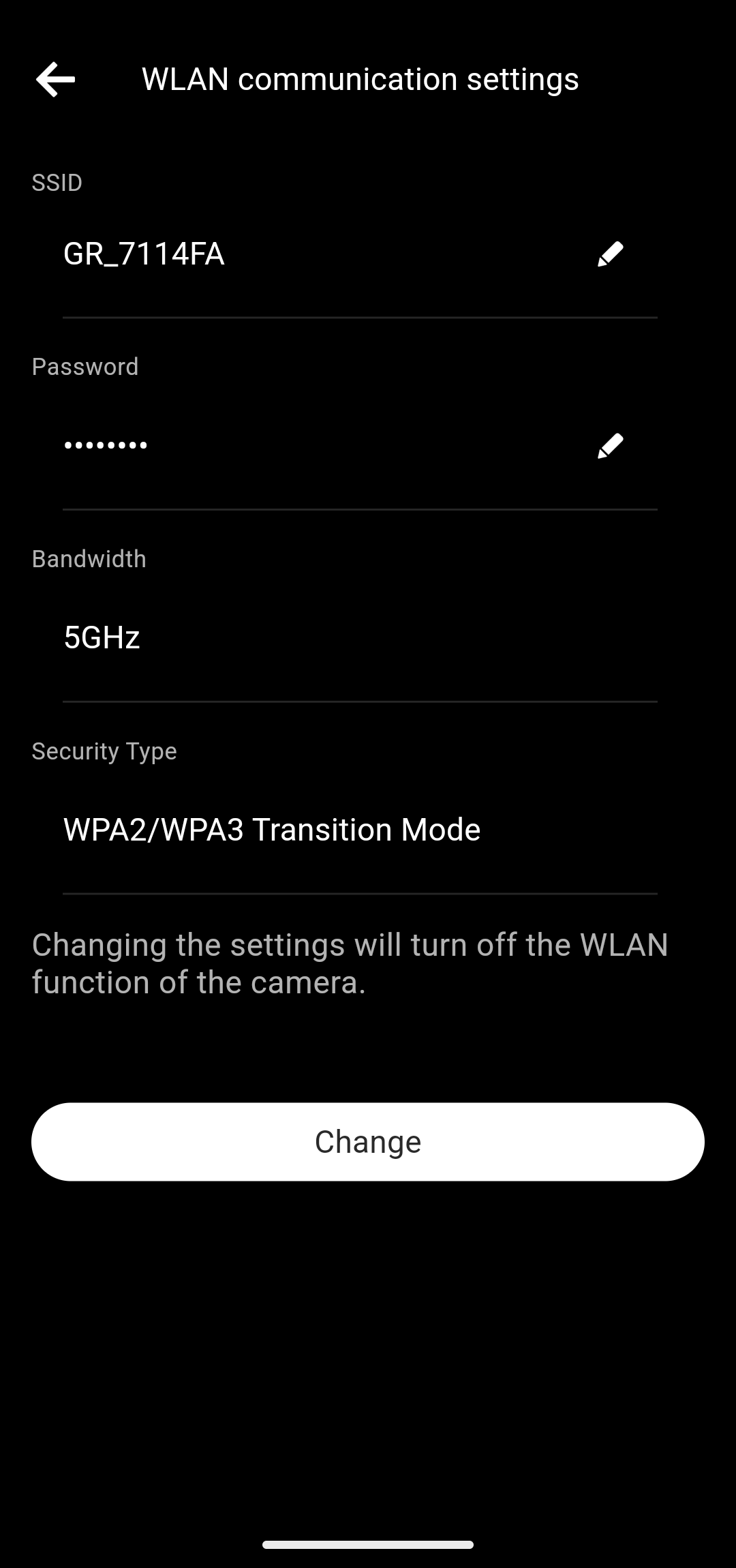
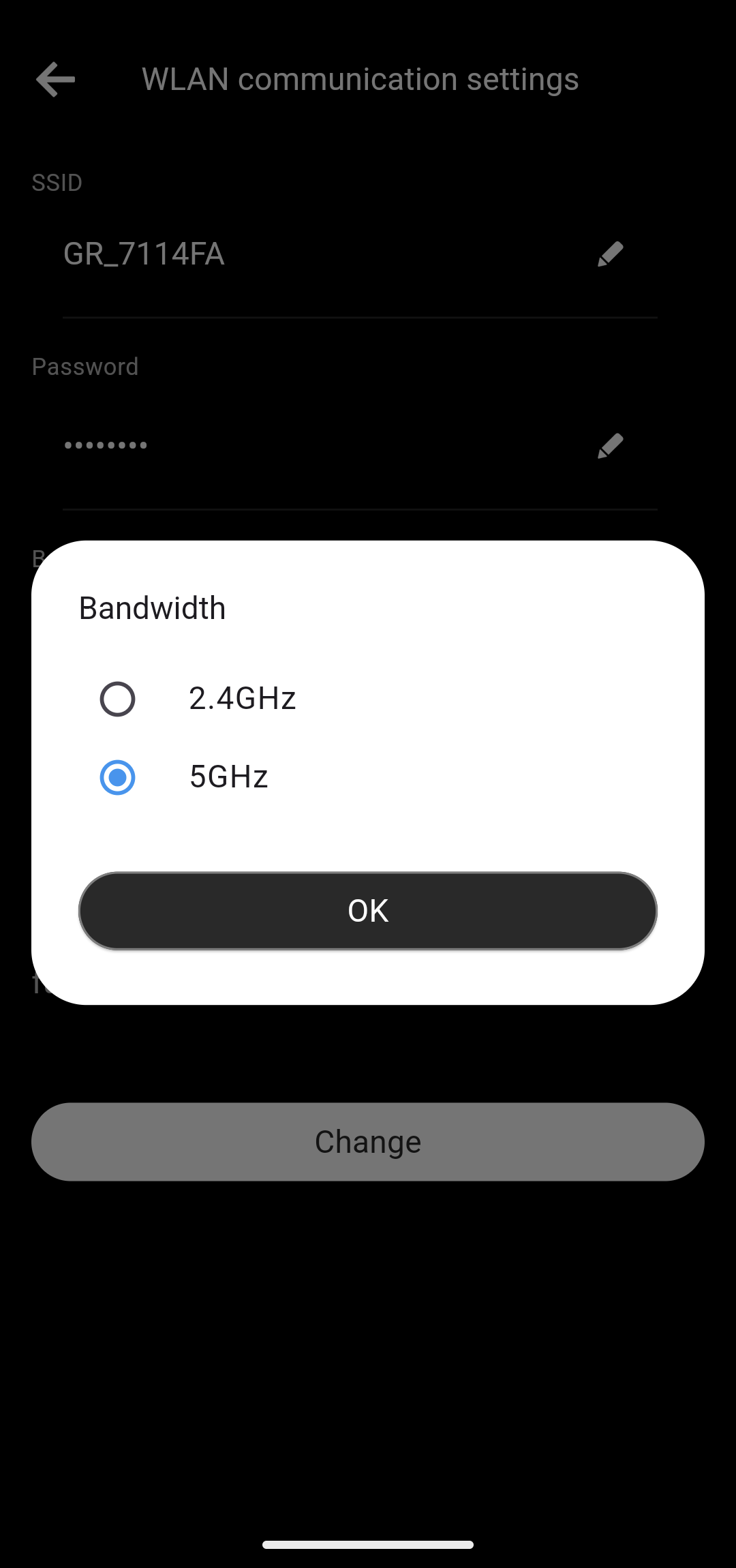
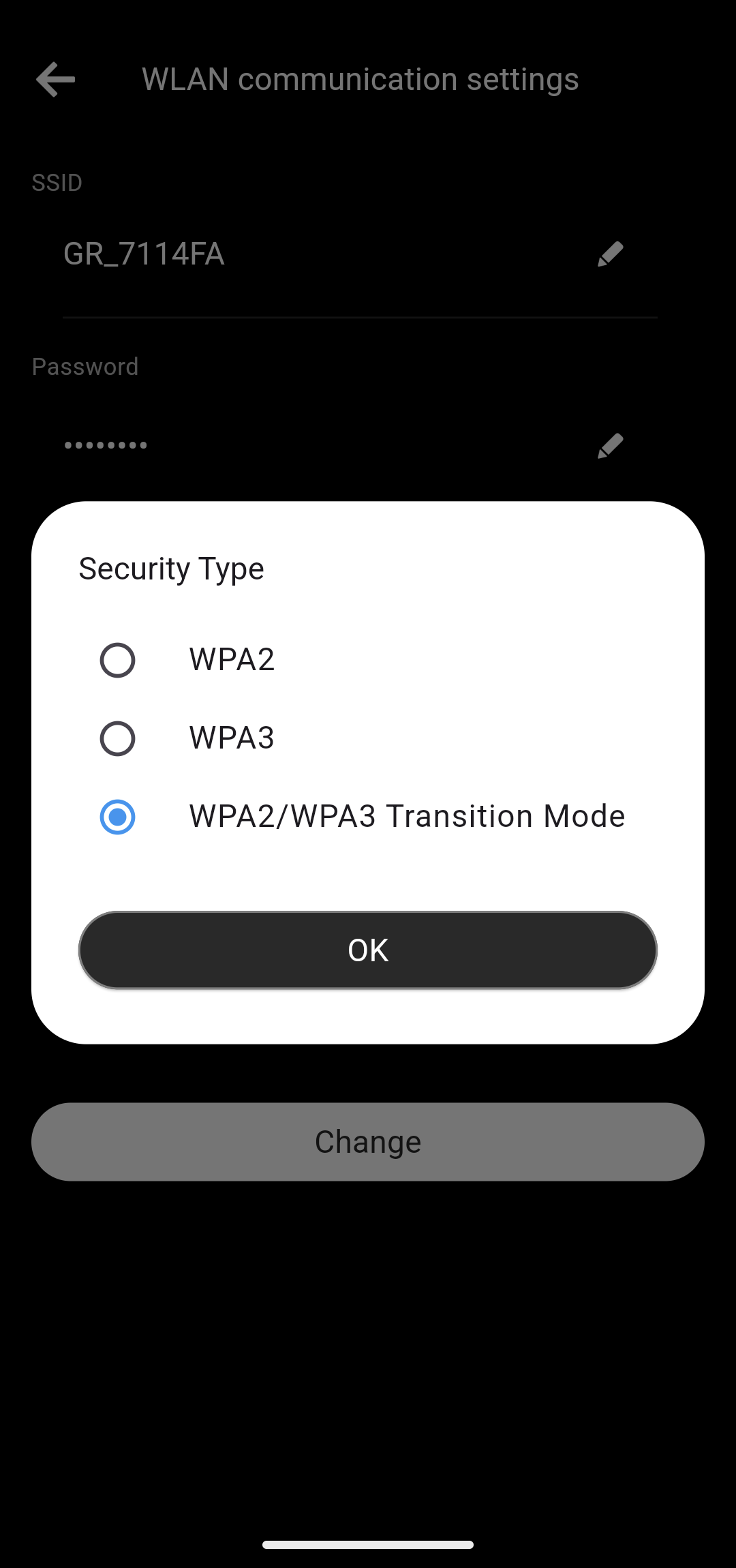
7. Wireless LAN communication settings
In the wireless LAN communication settings, you can configure the following items.
- ・SSID
- ・Password
- ・Bandwidth*
- ・Security Type*
* The GR III, GR IIIx, and GR II do not support this function.
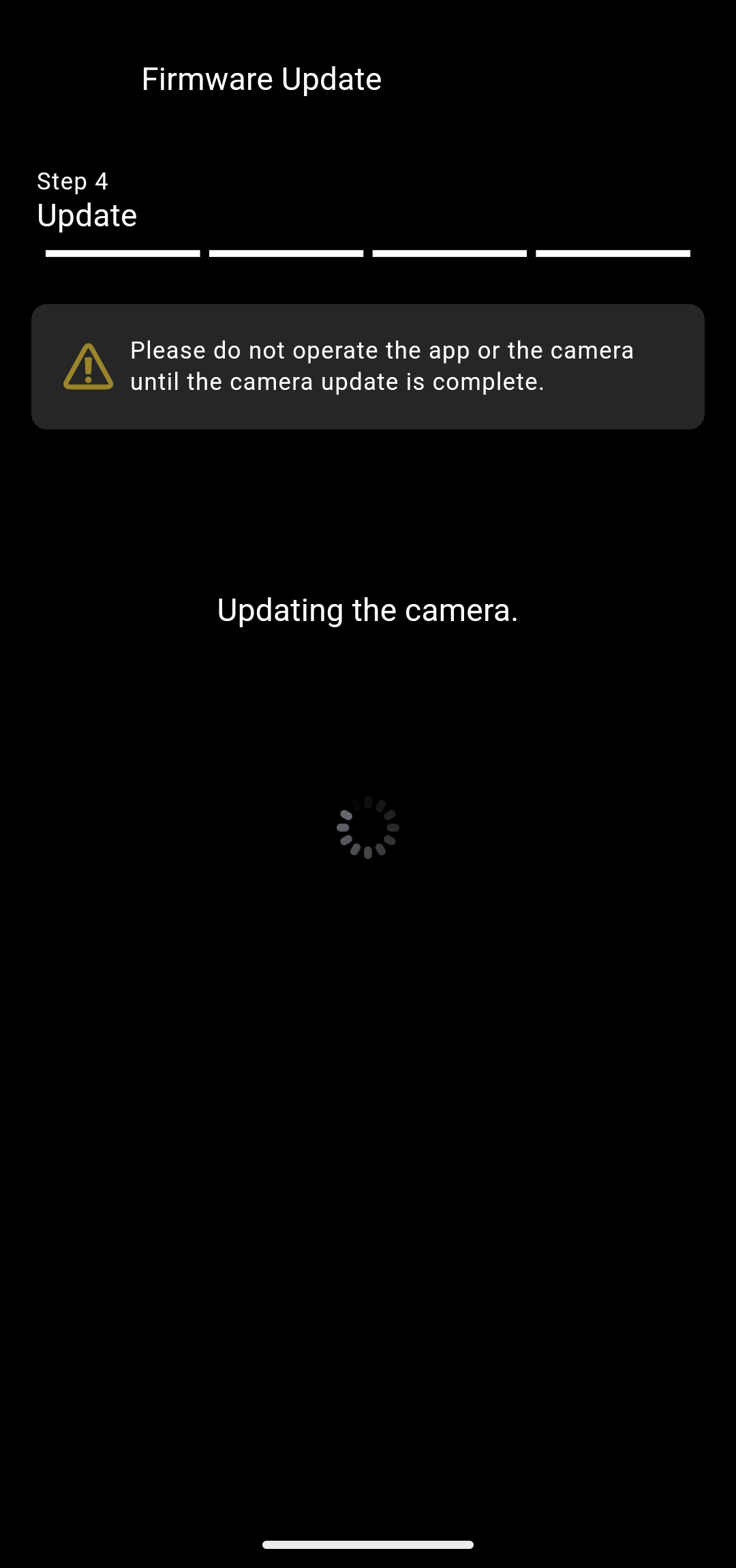
8. Firmware update function
You can update the GR IV firmware from the app.
If the firmware of the camera registered in the app is not the latest, the message “The latest firmware is available.” appears on the home screen.
Updating the camera firmware allows you to enjoy new functions and improved performance.
* The GR III, GR IIIx, and GR II do not support this function.
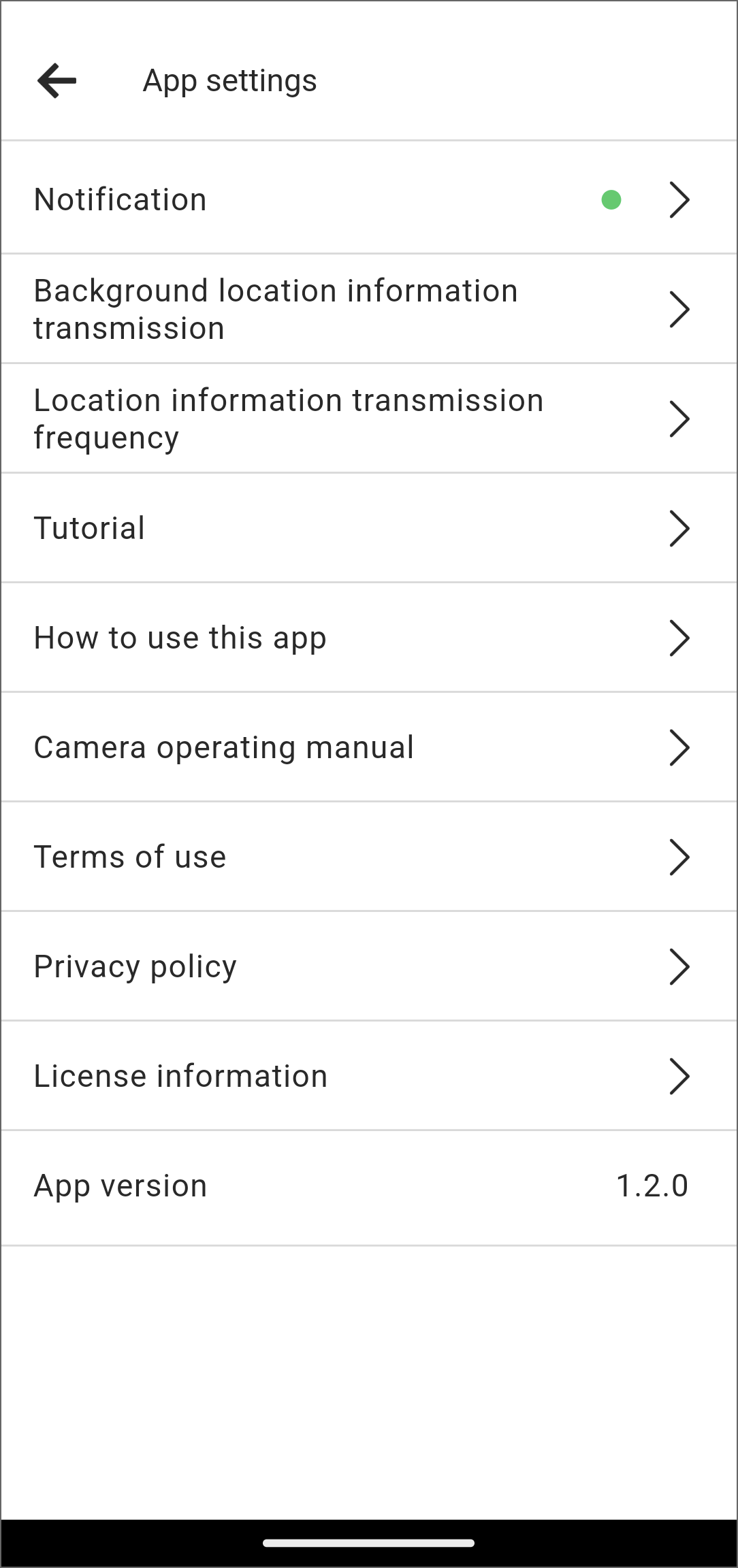
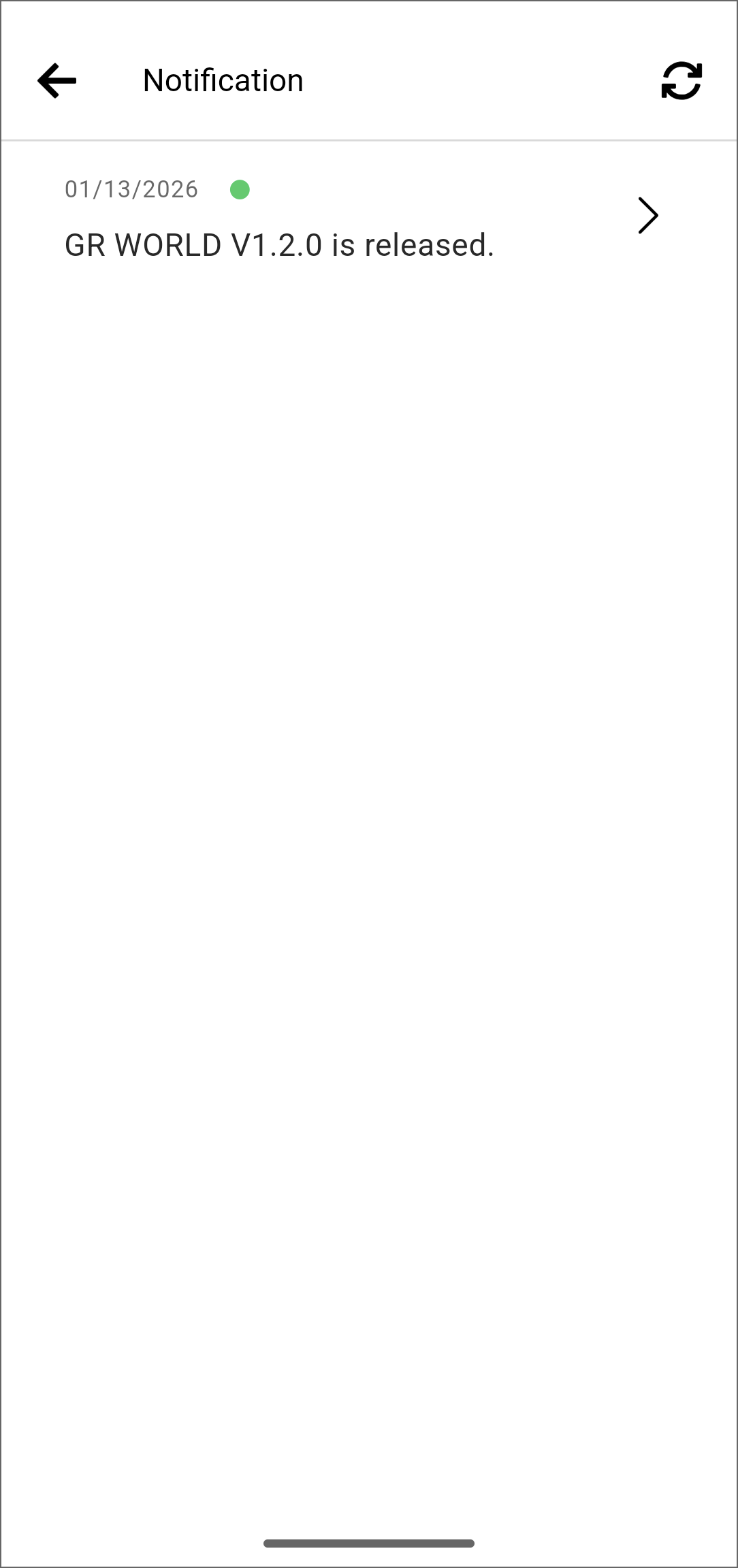
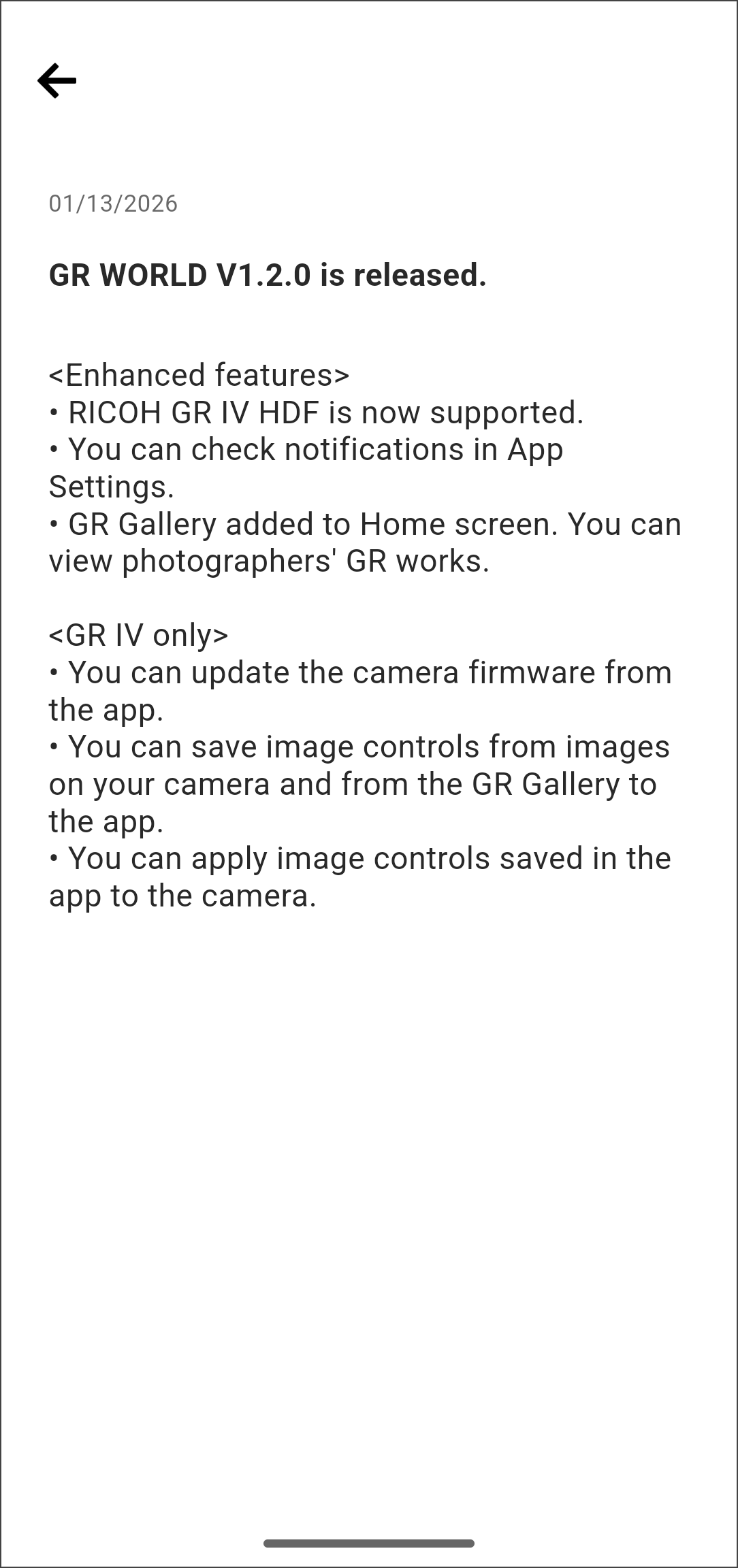
9. Notification function
You can check the notifications in the app settings.
Information about new models, camera and app updates, and more will be provided.
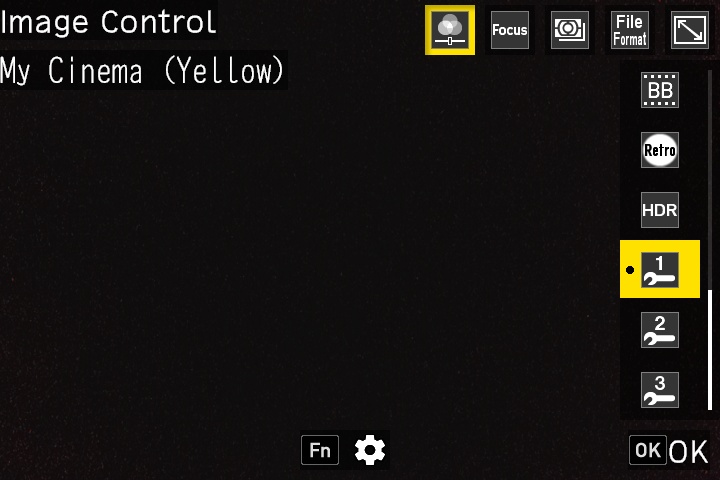
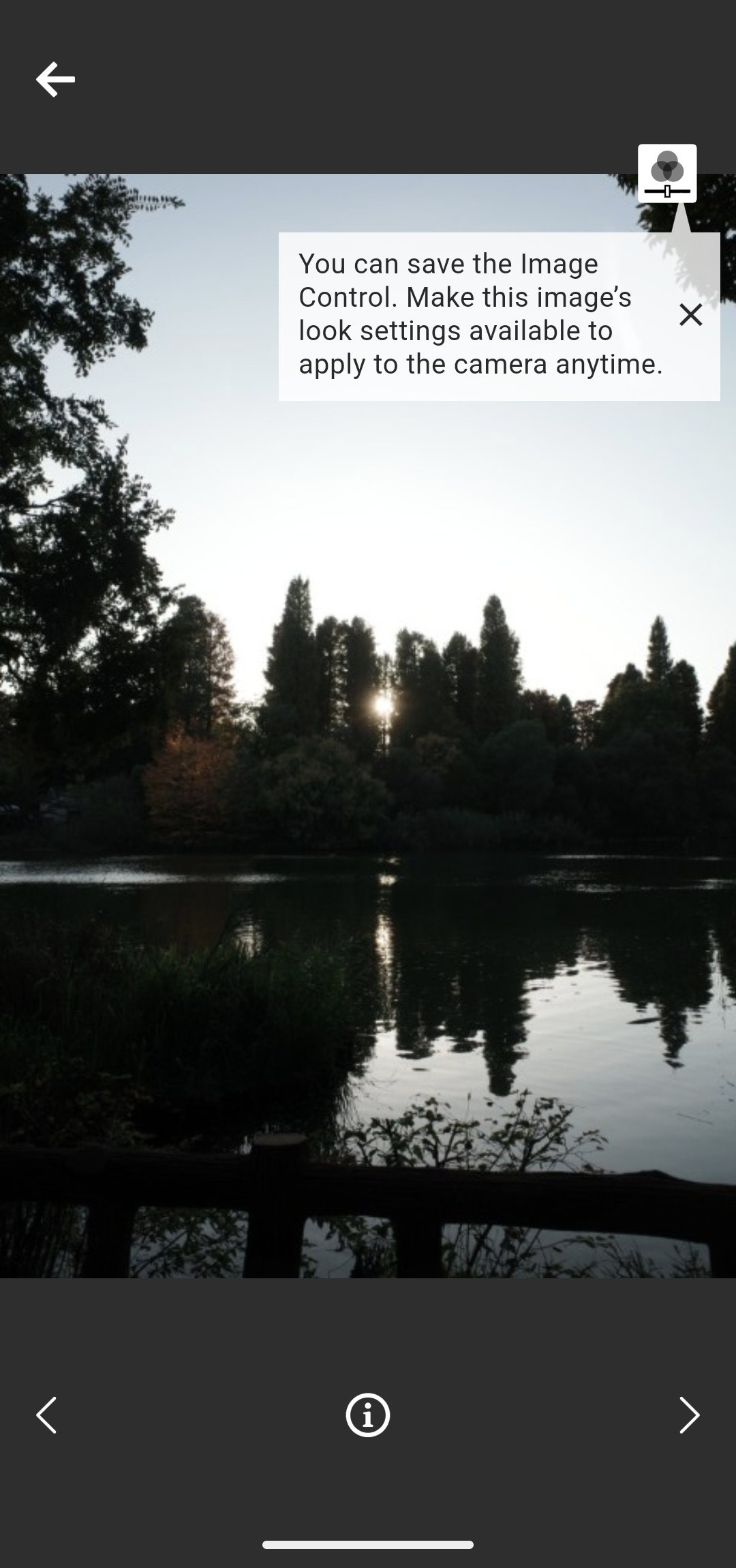
10. Image Control parameter save/write function
You can save the Image Control parameters applied to images within the camera or the GR Gallery to the app.
* You can save Image Control parameters only from images taken with the GR IV.
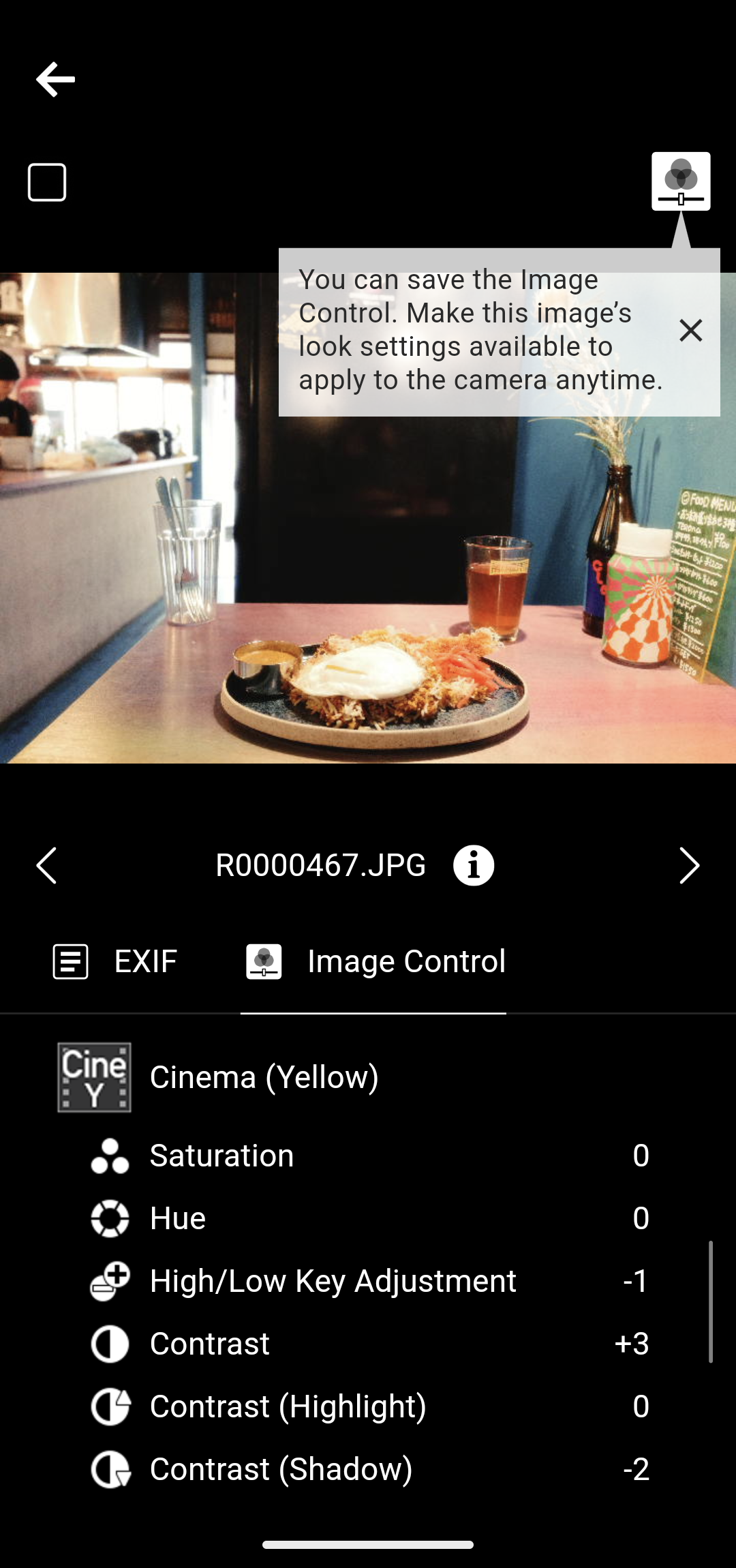
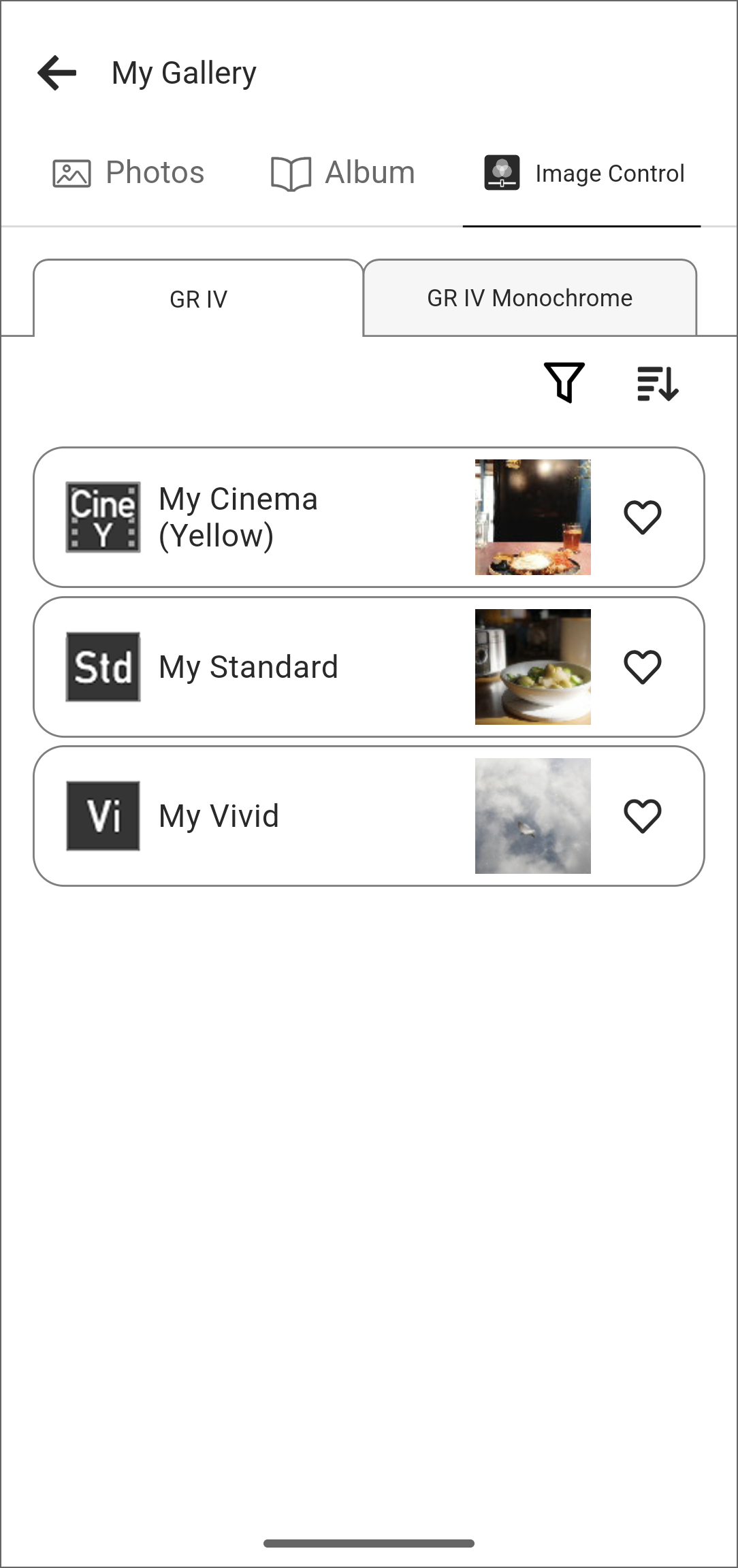
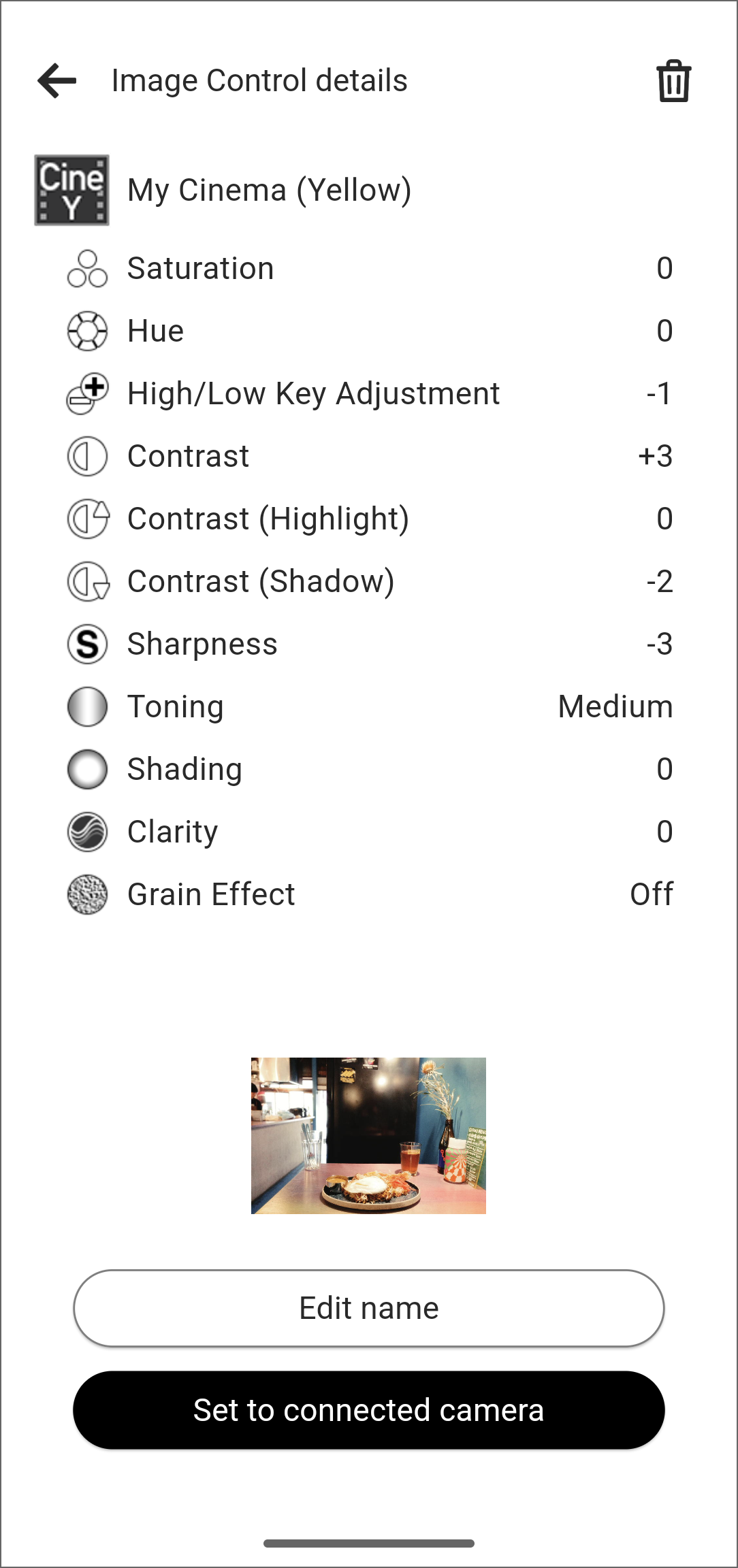
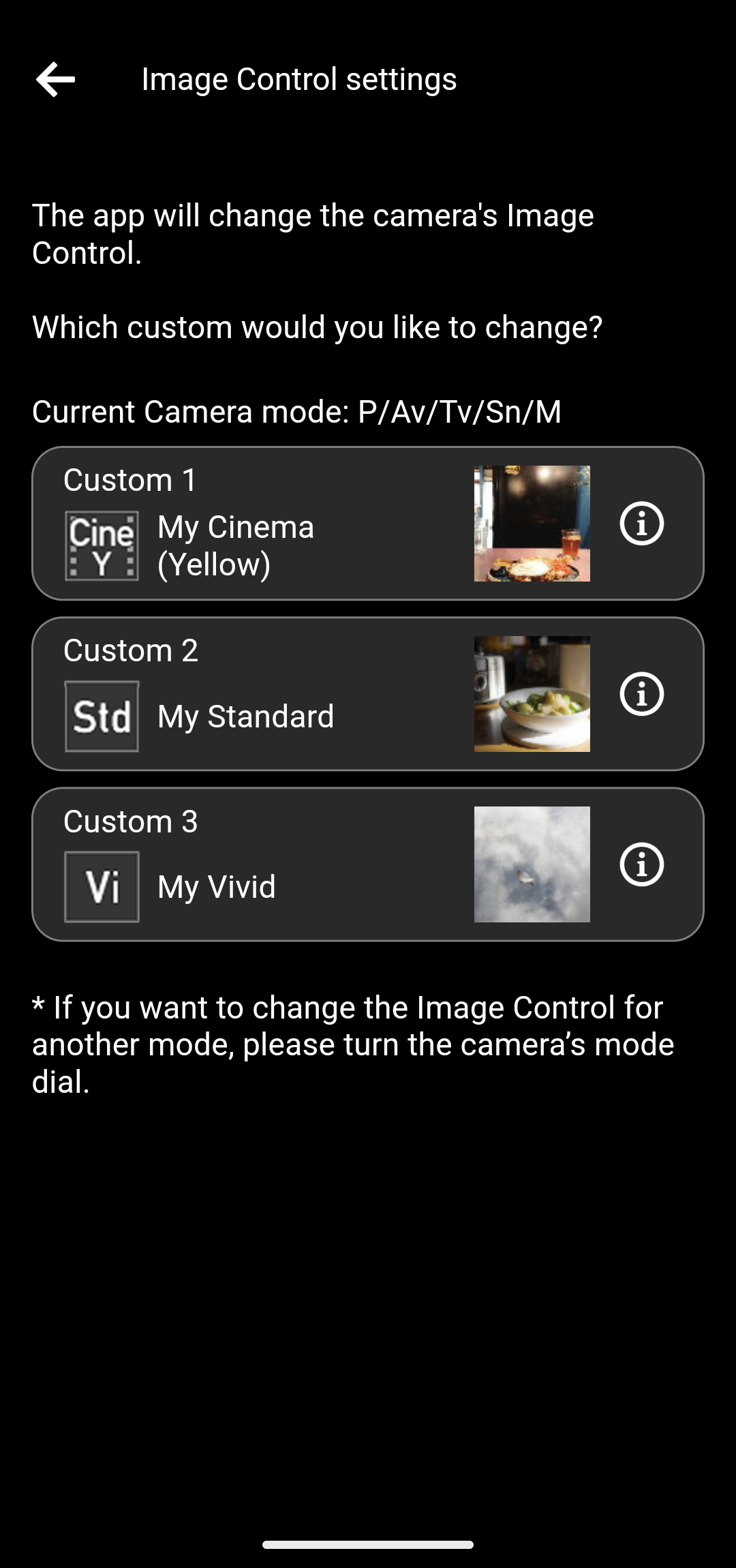
Image Control parameters saved in the app can be registered to the camera Image Control options “Custom 1,” “Custom 2,” and “Custom 3.”
* The Image Control parameter save/write function is available on the GR IV (firmware version 1.04 or later).
* The GR III, GR IIIx, and GR II do not support this function.
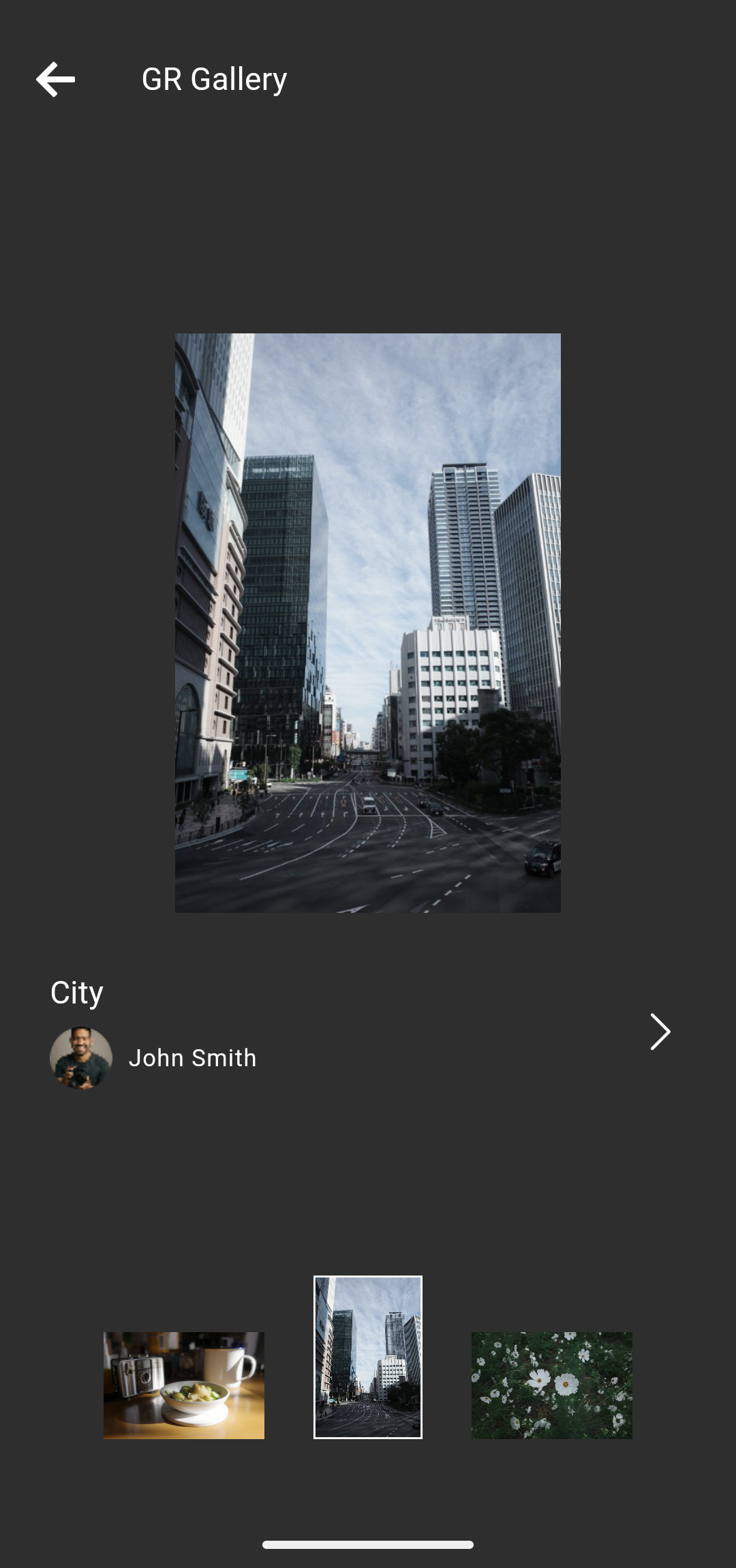
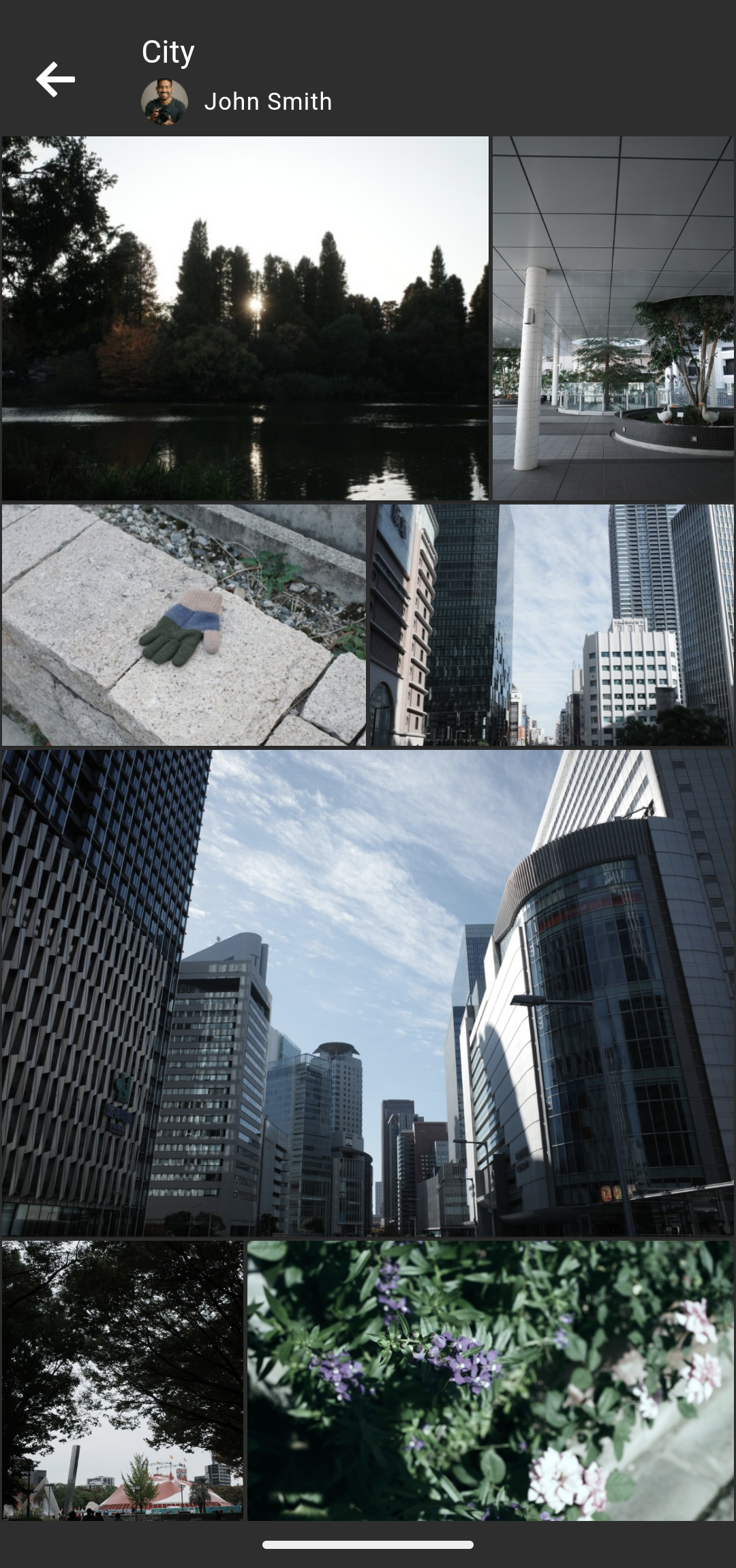
11. GR Gallery
The GR Gallery is a dedicated gallery that displays photos taken by photographers with a GR camera.
For photos taken with the GR IV, you can save the applied Image Control parameters to the app and register them to the camera.
Recommended operating environments (Compatible OS)


Android Recommended operating environment Android OS 13-16
* Operation is not guaranteed on all devices.
* Operation is confirmed on these devices As of January, 2026, but this information may be changed at any time in the future without prior notice.
iOS Recommended operating environment iOS 16-18, iOS 26
* Operation is not guaranteed on all devices.
* Operation is confirmed on these devices as of January, 2026, but this information may be changed at any time in the future without prior notice.
* App Store, iPad, Apple and the Apple logo are trademarks of Apple Inc.
* iOS is a trademark or registered trademark of Cisco in the U.S. and other countries and is used under license.
* Android, Nexus and Google Play are trademarks or registered trademarks of Google Inc.
To our EU customers (information based on Regulation (EU) 2023/2854 (Data Act))
Supported models
-
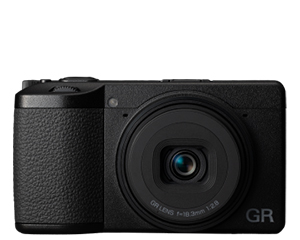 RICOH GR IV
-
 RICOH GR III
-
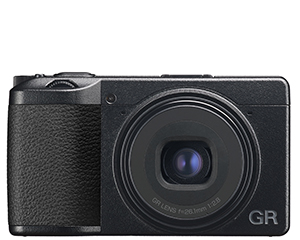 RICOH GR IIIx
-
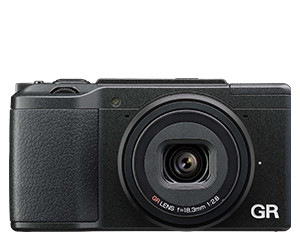 RICOH GR II
Note
・Details in Overview, Connection Method, and Functional Explanations are current As of January, 2026.
・Image of App differs depending on your camera, your mobile device’s OS and App version. Also, image of App is subject to change without prior notice.