



Grad ND Simulator
The Grad ND (Neutral Density) Simulator adds a distinctive visual effect to your images, as if they were captured using an optical gradation ND filter. Two captured images of the same scene — one correctly exposed and another underexposed — are synthesized into a single composite image.
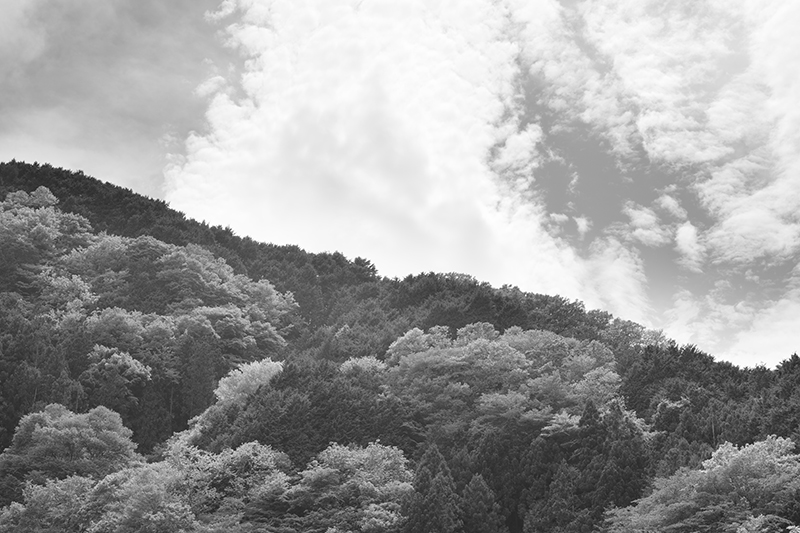
Grad ND mode: Normal Maximum dimming level: -2.7
Grad ND mode: Normal Maximum dimming level: -2.7
Grad ND Simulation combines images with different exposures, so the exposure adjustment can be done simply by changing the camera's exposure settings. When standard gradation ND fitlers need to use separate filters to adjust the exposure as it adjusts exposure by reducing the amount of light in certain areas.
Correct exposure+Negative exposure=Grad ND
(example)Composite range
(gradation area)
Choice of gradation effects
The Grad ND Simulator provides a choice of three gradation modes: normal, reverse and custom. The custom mode also provides Line (Dark) and Line (Bright) options to accommodate different types of scenes.
Normal
This mode synthesizes an image in which the lower part is correctly exposed while the upper part becomes gradually darker toward the top.
This lets you adjust such factors as the starting edge of a gradation effect, the size of the composite range, and the dimming level (the amount of maximum underexposure).
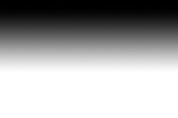
Conceptual image of gradation effect
Reverse
This mode synthesizes an image in which the dimming effect becomes stronger toward the bottom of the synthesized gradation area.
This lets you adjust the darkest point of the gradation range, the size of the composite range and the dimming level (the amount of maximum underexposure)

Conceptual image of gradation effect
Custom
In addition to the gradation patterns produced by the normal and reverse modes, this mode provides Line (Dark) and Line (Bright) options as alternative gradation patterns. This also lets you save up to three sets of custom settings as Custom 1, Custom 2 and Custom 3.*
* The dimming level (the amount of maximum underexposure) cannot be saved in the Custom mode.
Sample of gradation effects in normal mode
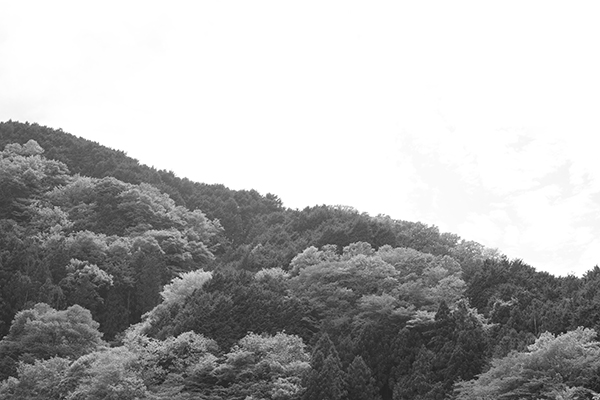 OFF
OFF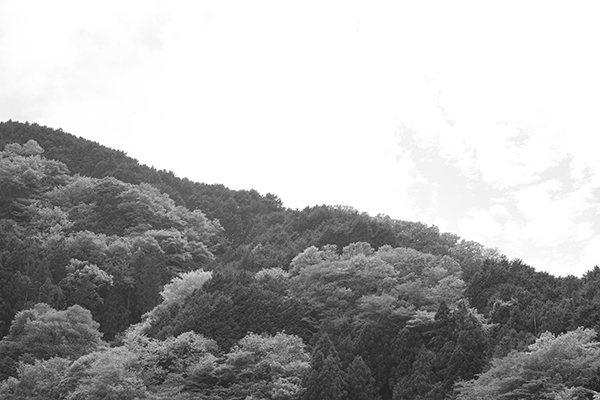 -0.3EV
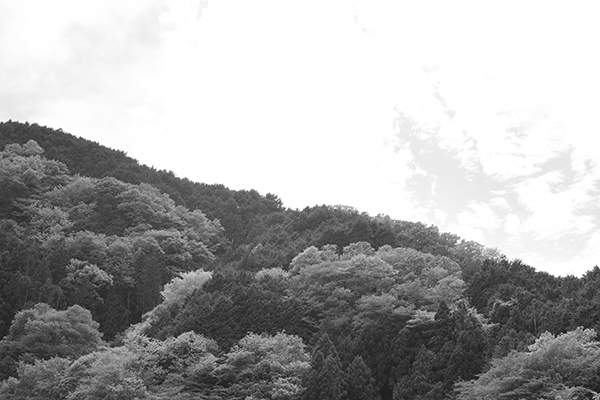 -0.7EV
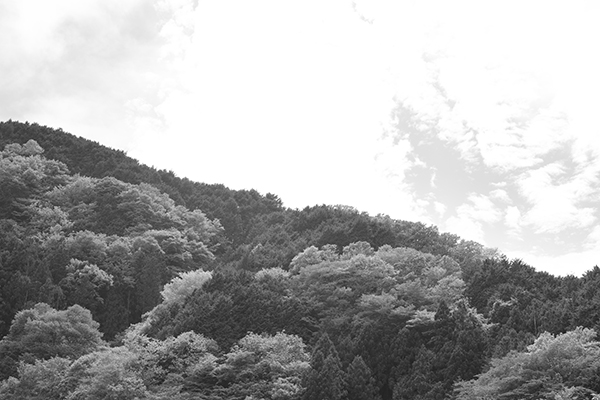 -1.0EV
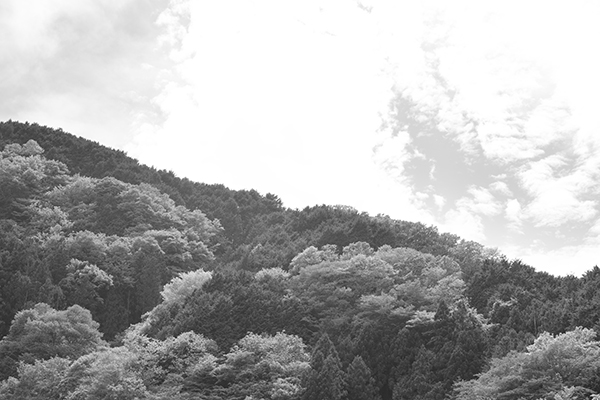 -1.3EV
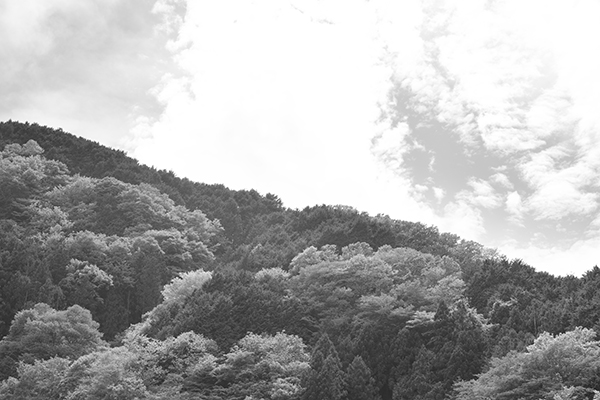 -1.7EV
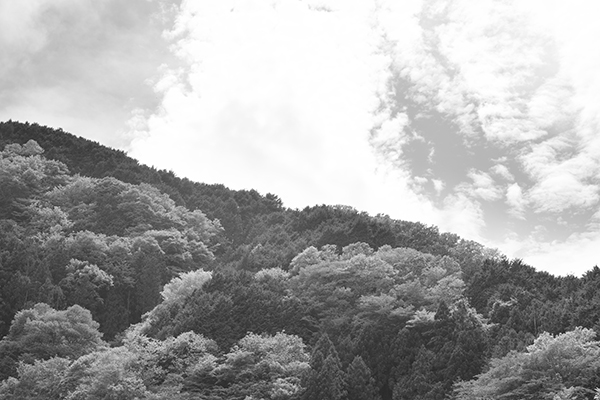 -2.0EV
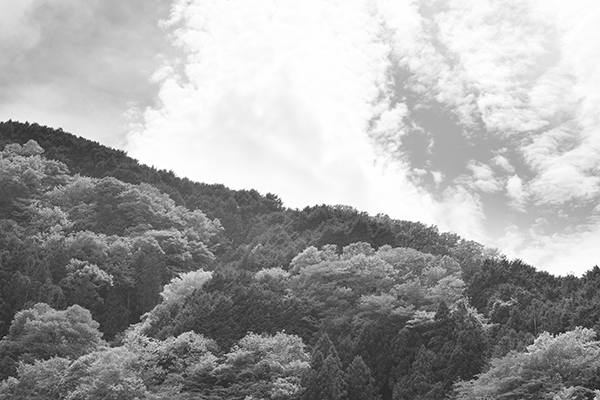 -2.3EV
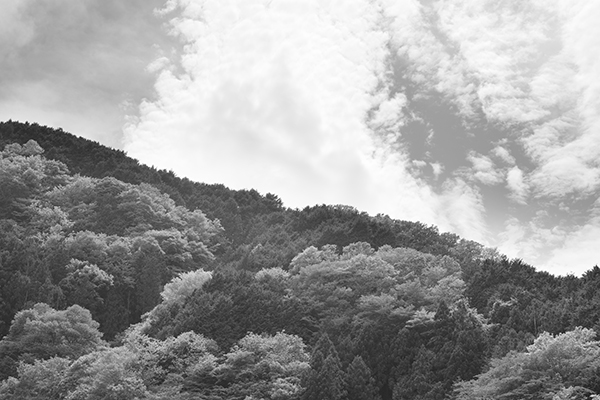 -2.7EV
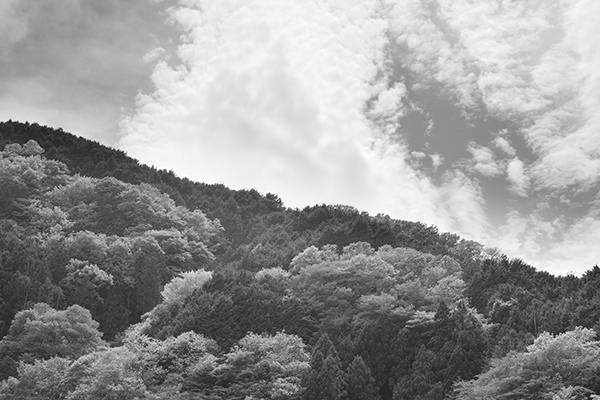 -3.0EV
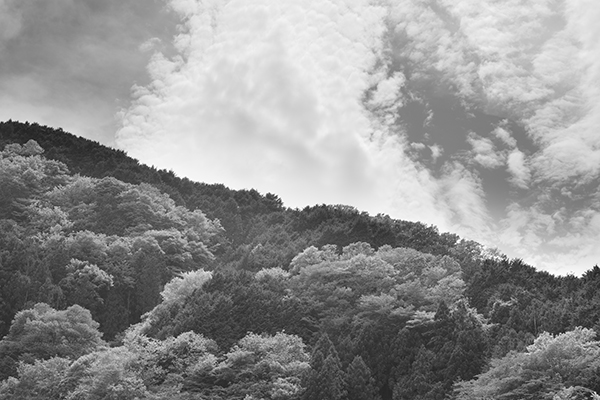 -3.3EV
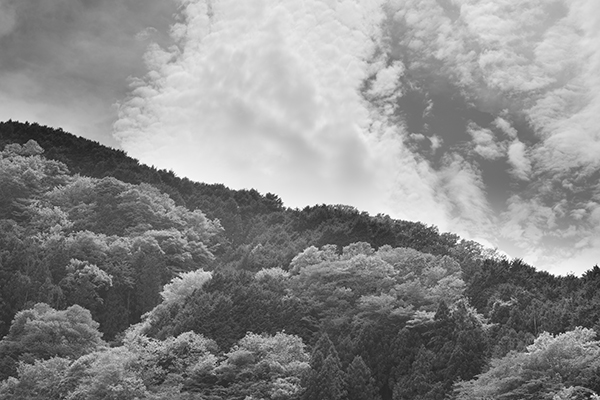 -3.7EV
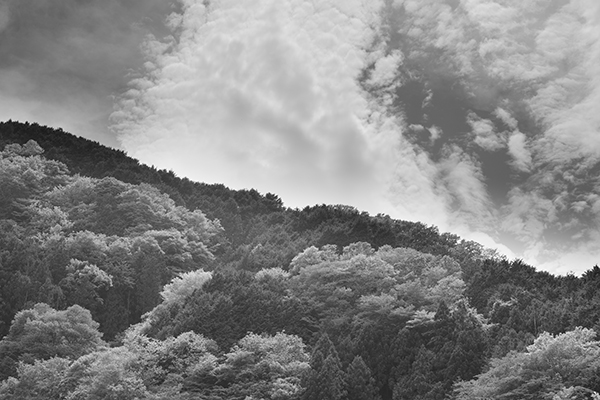 -4.0EV
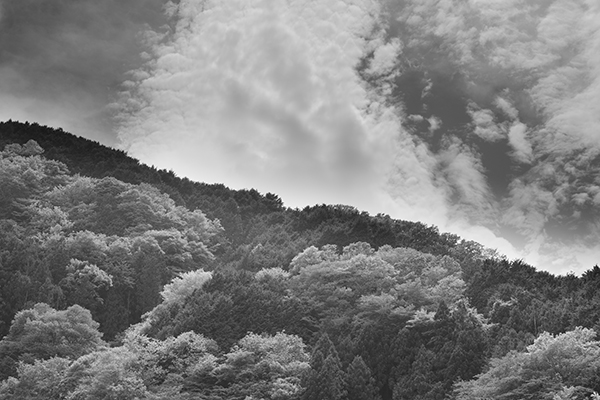 -4.3EV
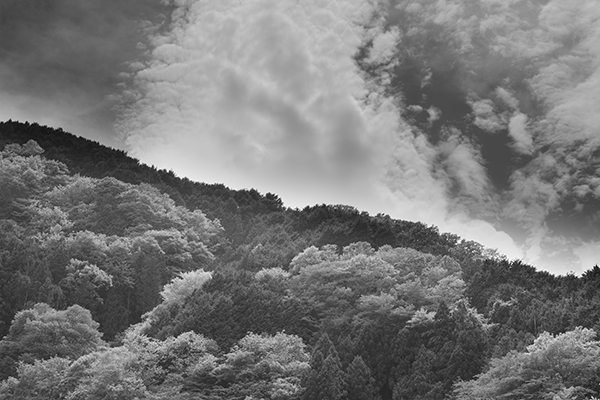 -4.7EV
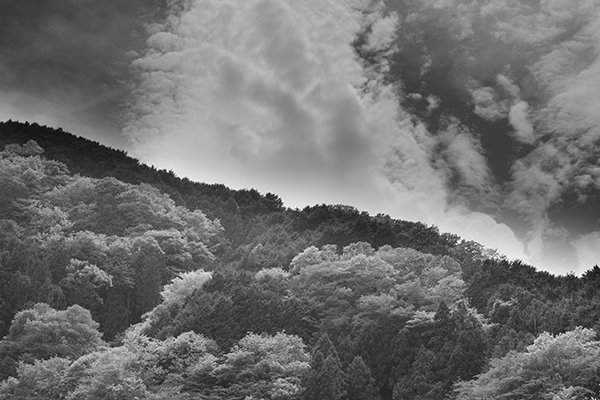 -5.0EV
When a scene contains clouds, the sky tends to be overexposed. The Grad ND Simulator allows you to depict the sky and clouds more clearly and beautifully.
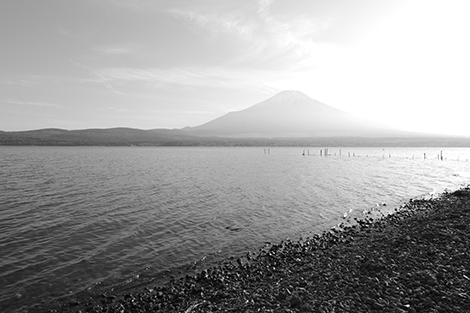
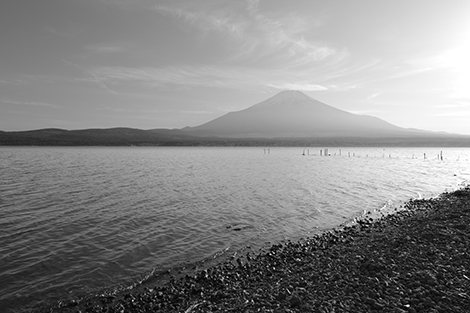
The Grad ND Simulator is designed to simulate the visual effect created by an optical gradation ND filter. When the subject has a large discrepancy between bright and dark areas, this simulator effectively synthesizes a single, composite image from a correctly exposed image and a darker, underexposed image. Since it requires two images, we advise that you firmly secure the camera with a tripod at all times to avoid misalignment.
Since the Grad ND Simulator synthesizes two images captured at different exposure levels, it may fail to produce a solid composite image or may produce a double-exposed image when moving objects exist in the synthesized gradation area. When overexposed elements exist in the synthesized gradation area, it may fail to properly align the two images, or may produce images with less-than-natural colors and/or tones. We also advise avoiding any overexposure elements within the synthesized gradation area in order to produce beautiful, properly exposed composite images.
With the Grad ND Simulator, you must determine the dimming level (the amount of maximum underexposure) prior to the shooting. Please note that, even with RAW-format images, you cannot change the type of gradation mode, the size of the synthesized gradation area, and the dimming level after the two base images have been initially saved.